








Turn selfies, pet photos, brand mascots, or any character into expressive AI sticker packs. One-click export to social apps.




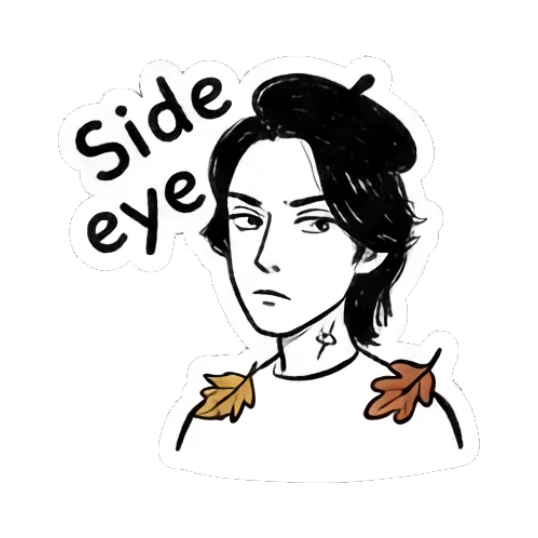













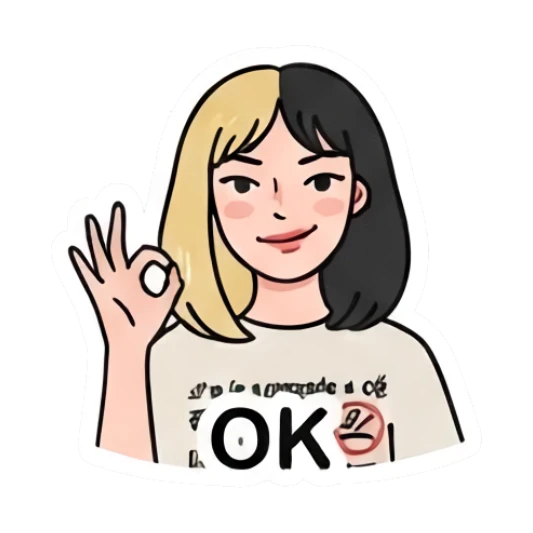









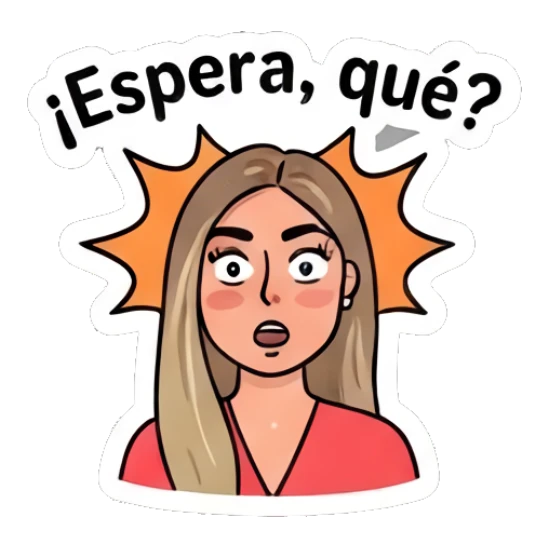
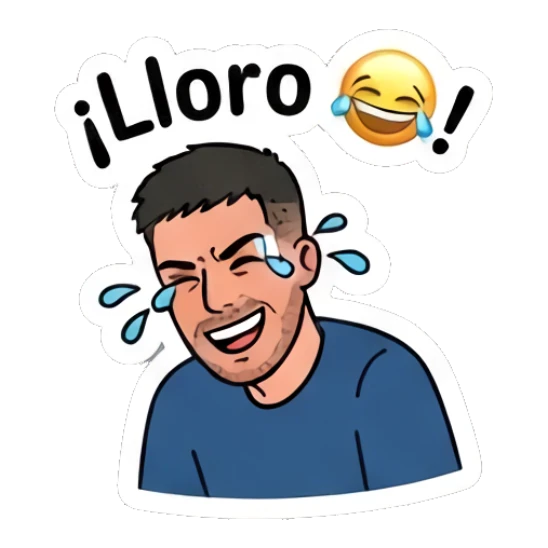
















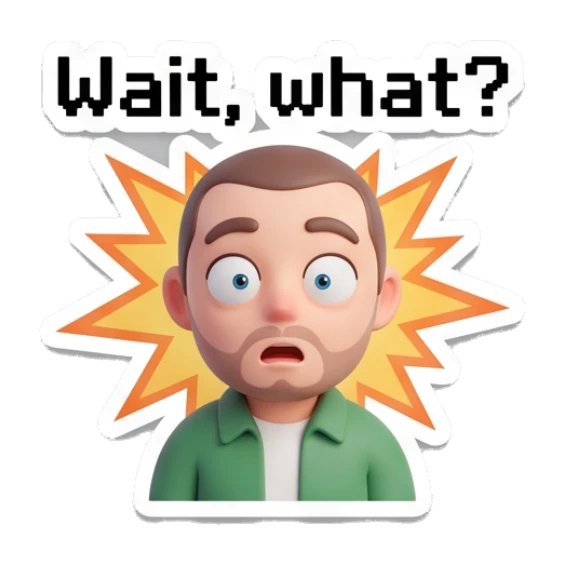


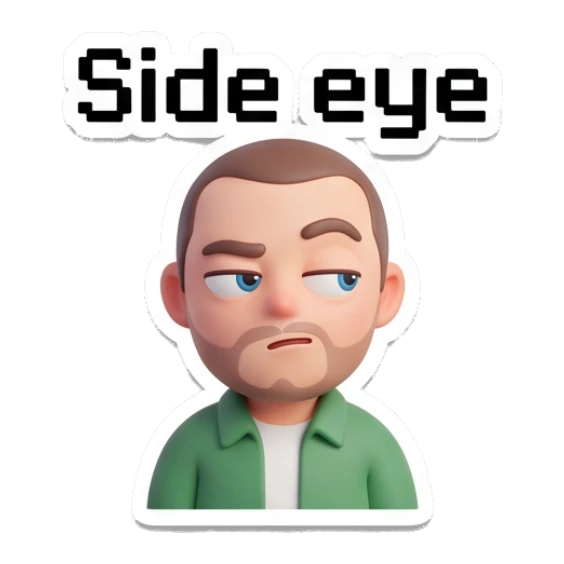













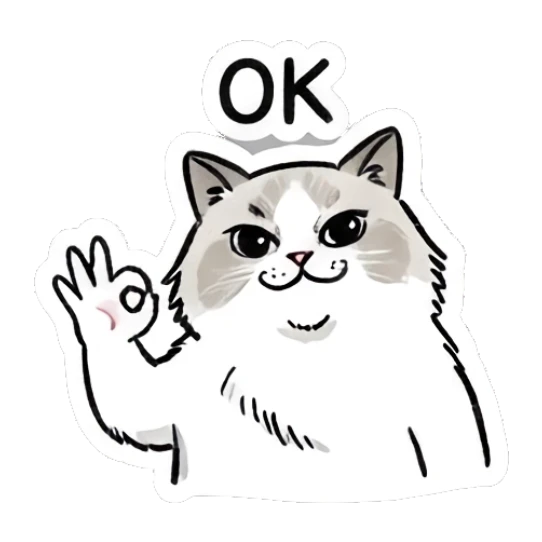
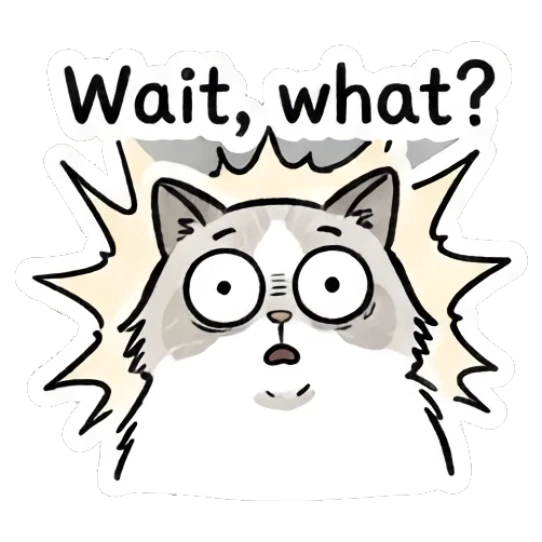


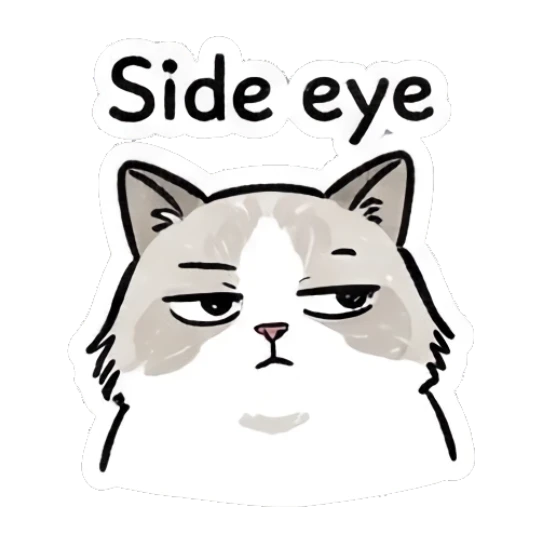


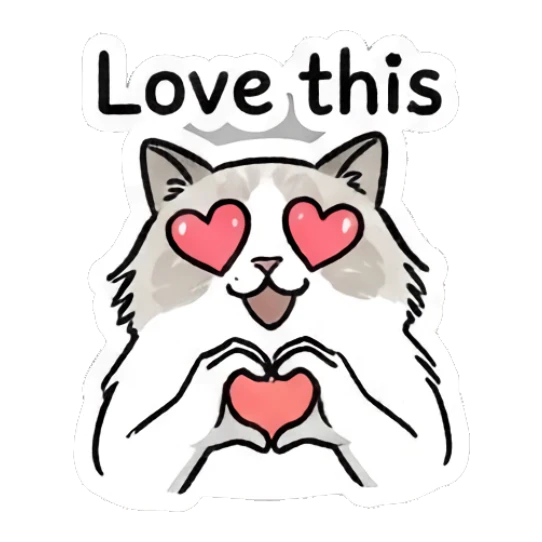


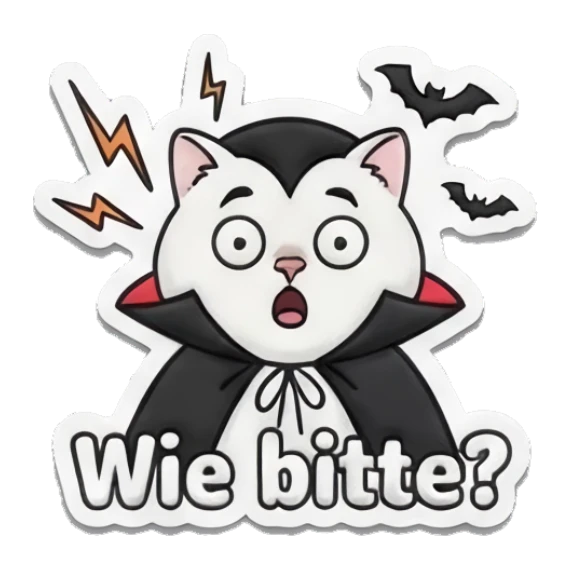


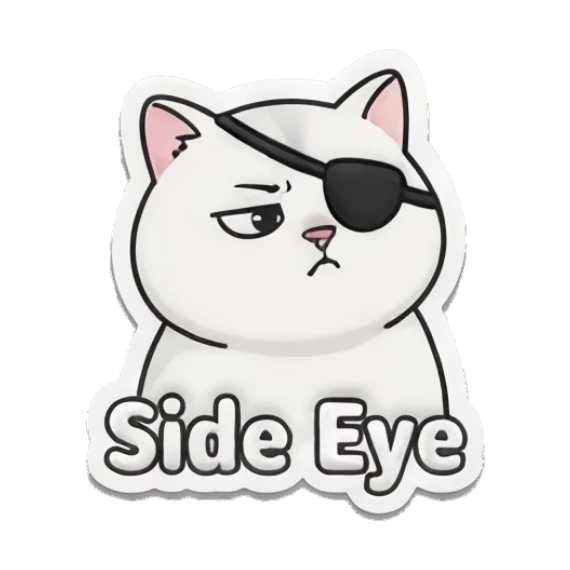

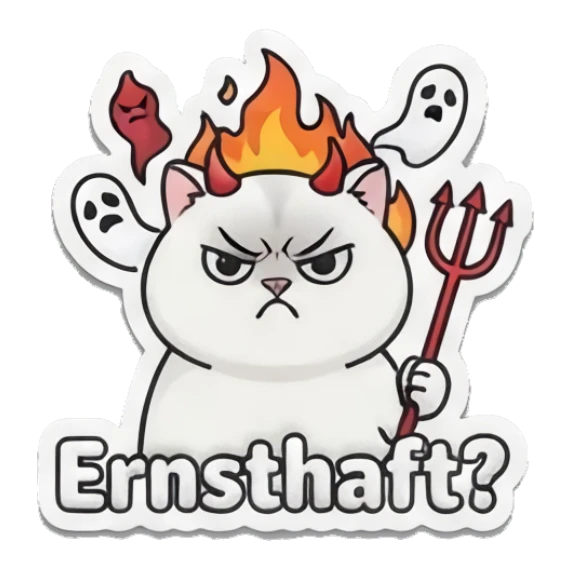
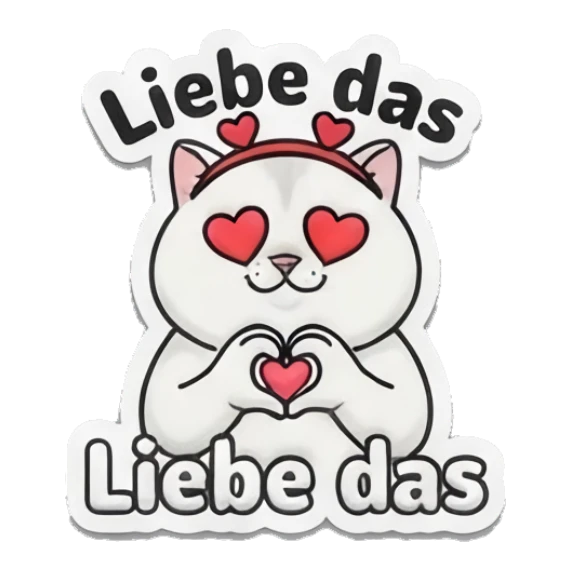
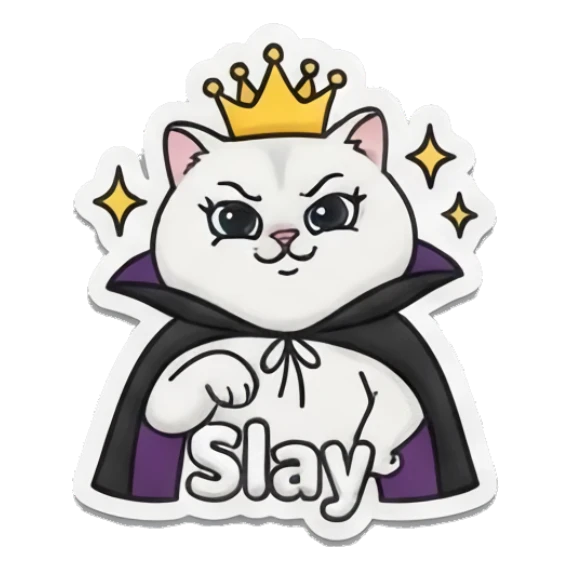
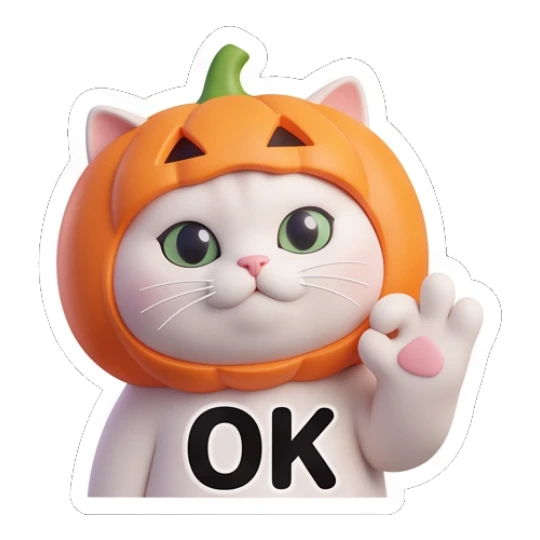
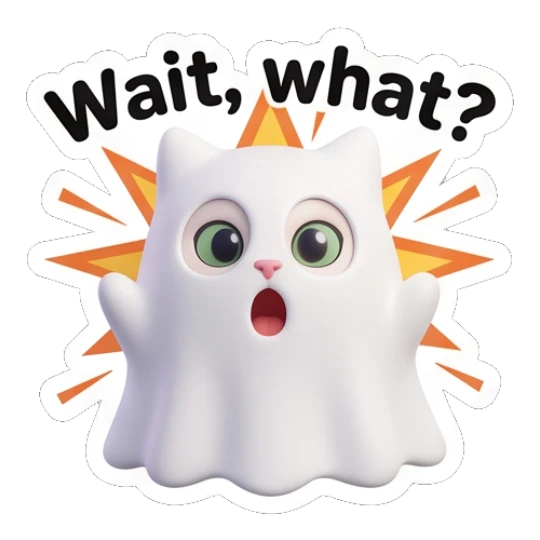


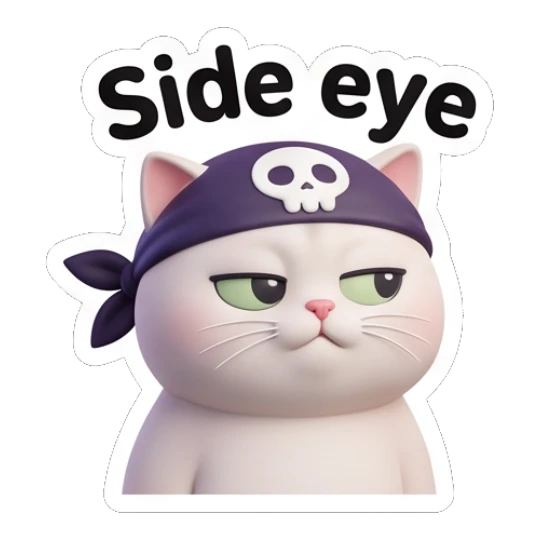



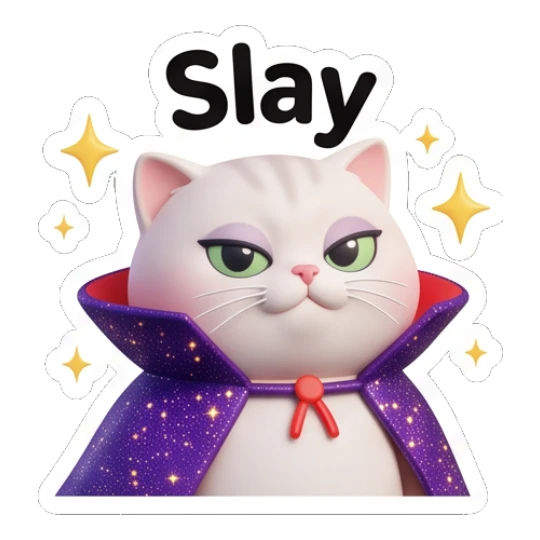







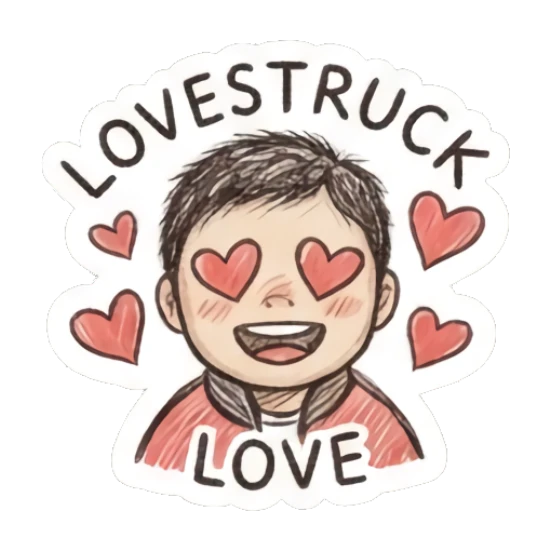

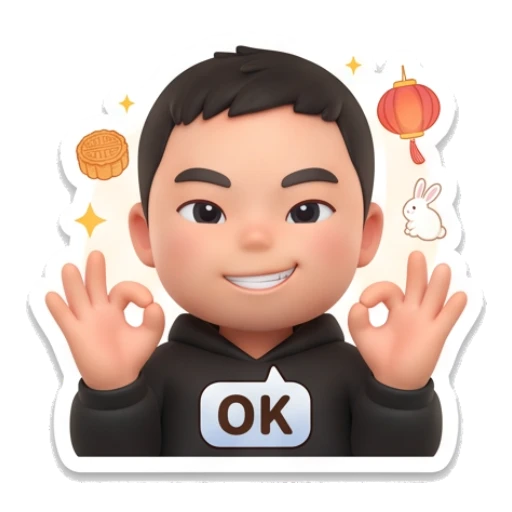
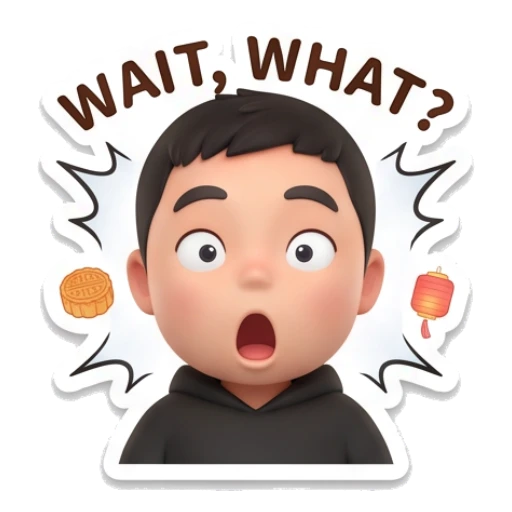


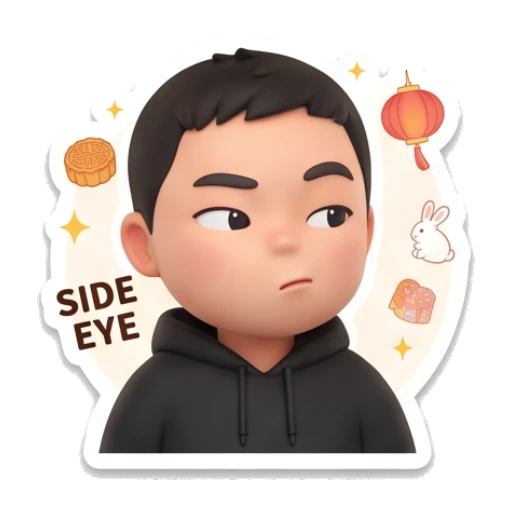


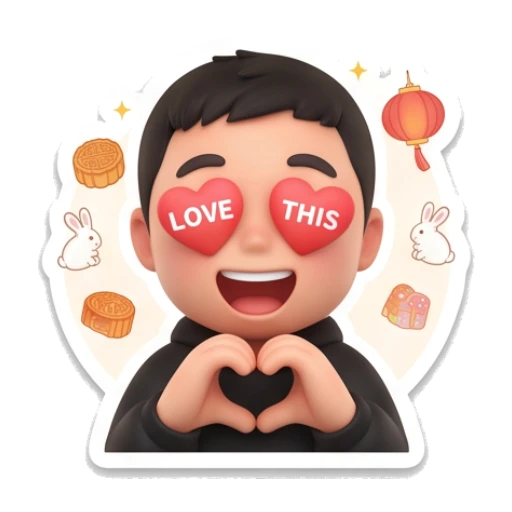

































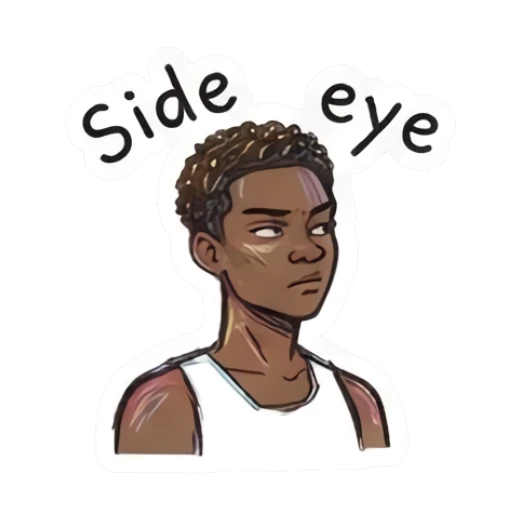


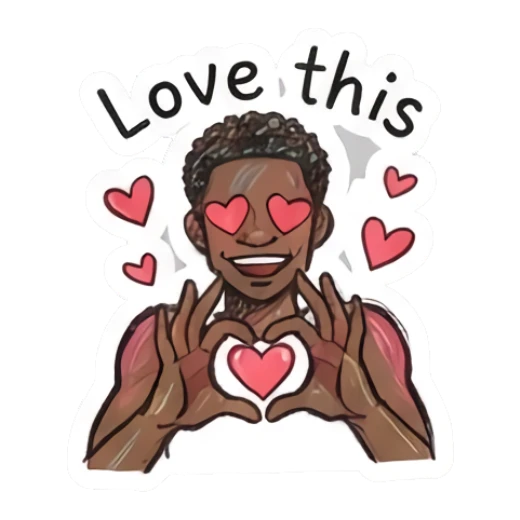

MojiKit helps you turn a character into expressive sticker packs you can save, export, and share.
STEP 1
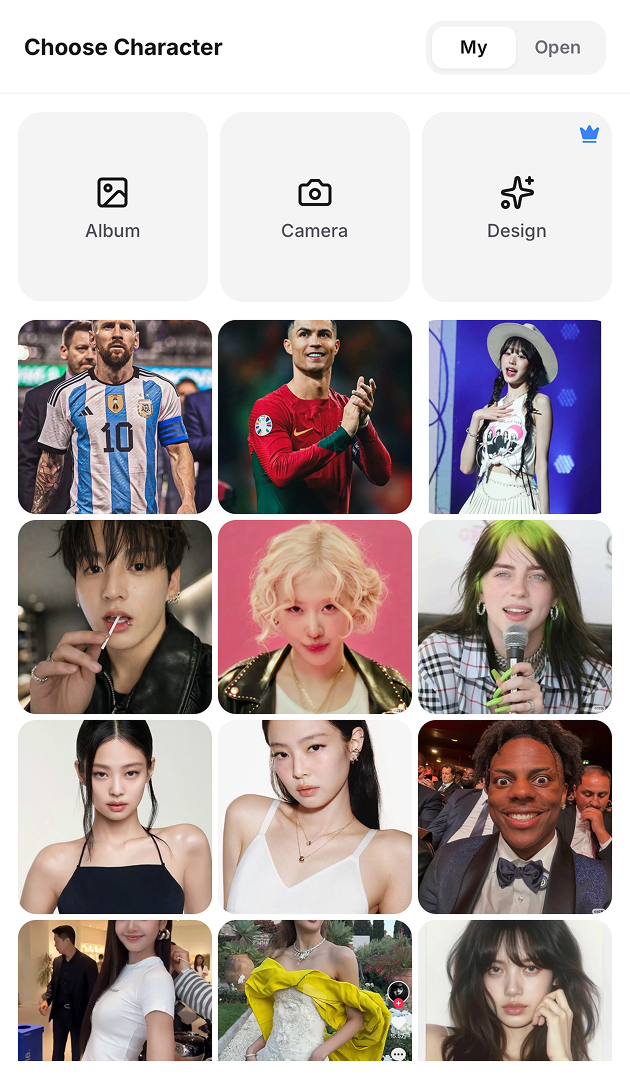
Start from a selfie, pet photo, mascot, or any character style you want to turn into stickers.
STEP 2
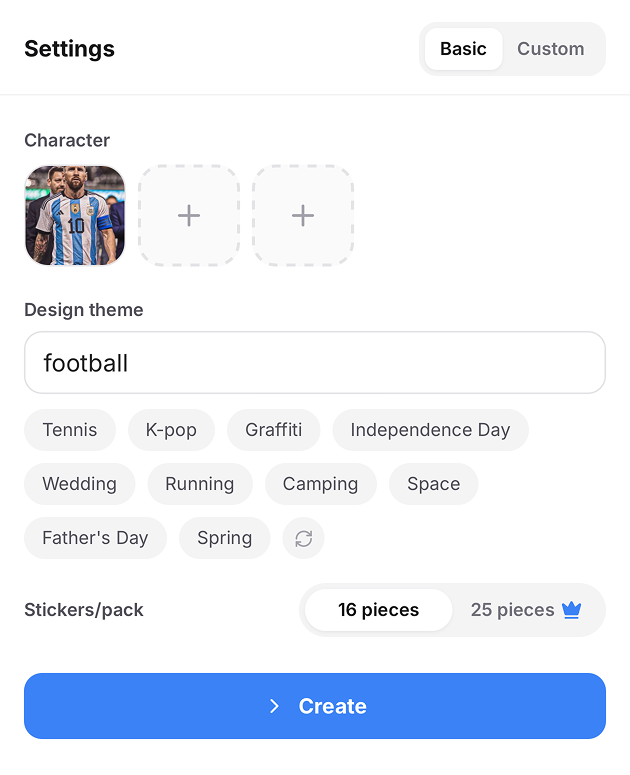
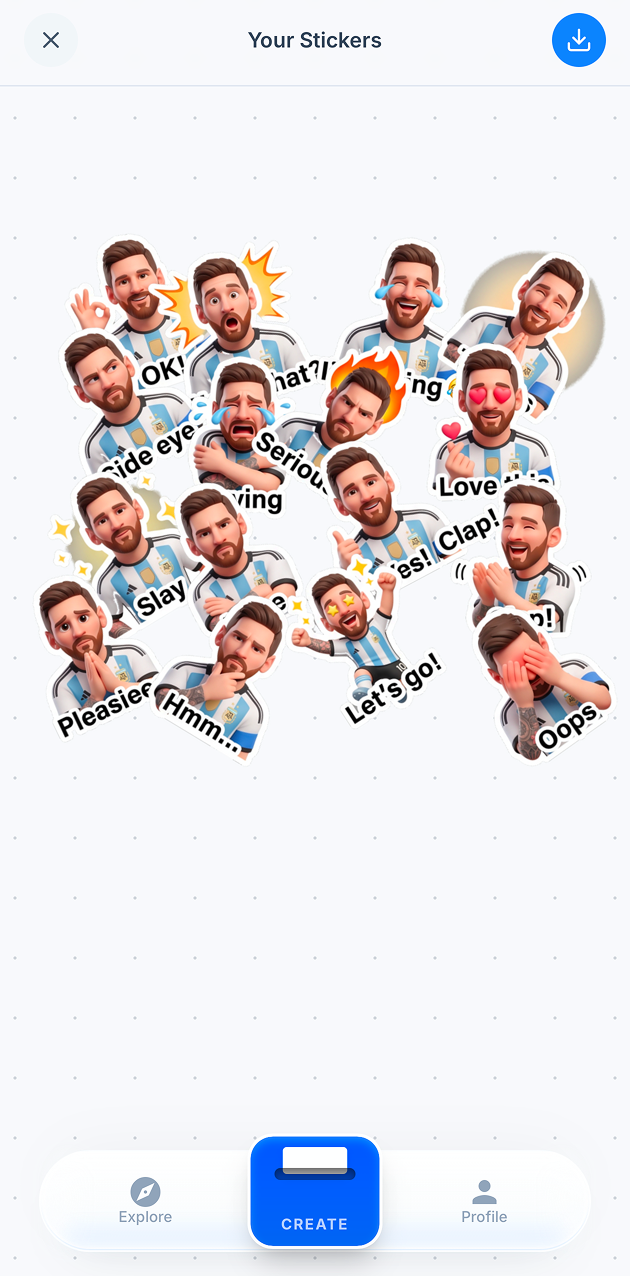
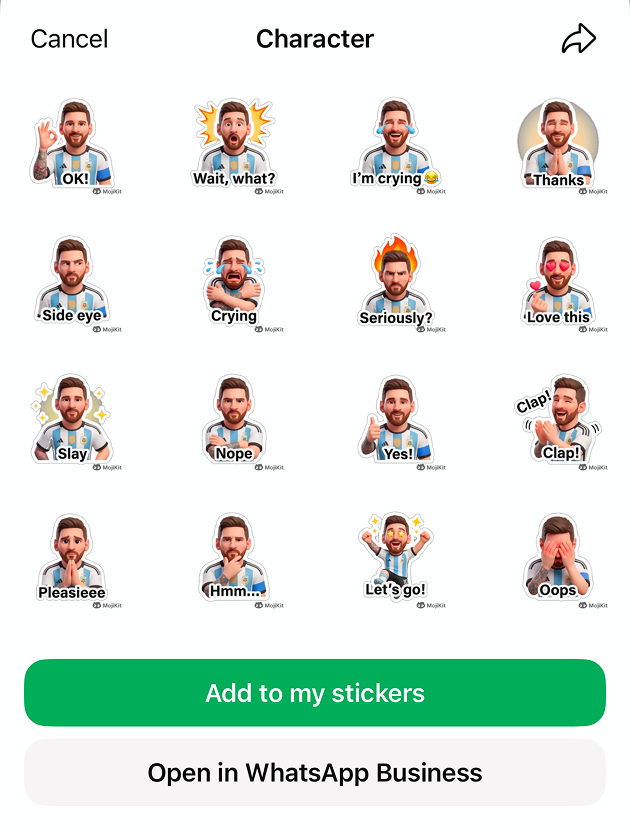
MojiKit creates a full set of reactions, moods, and social-ready expressions from your character.
STEP 3
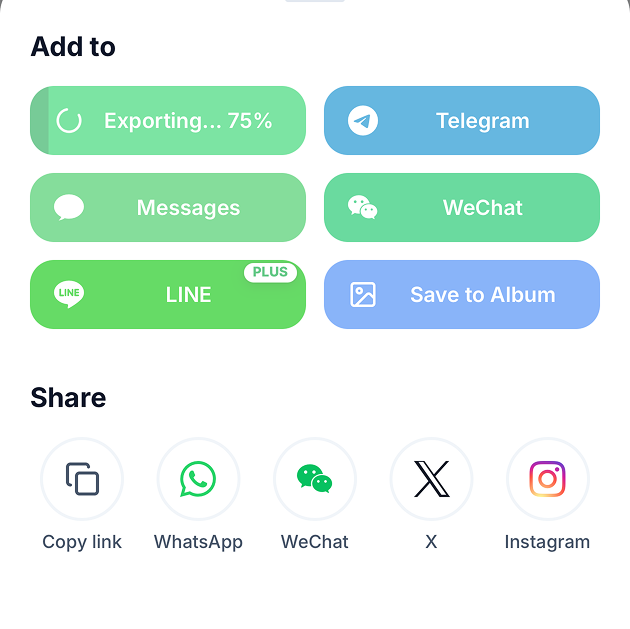
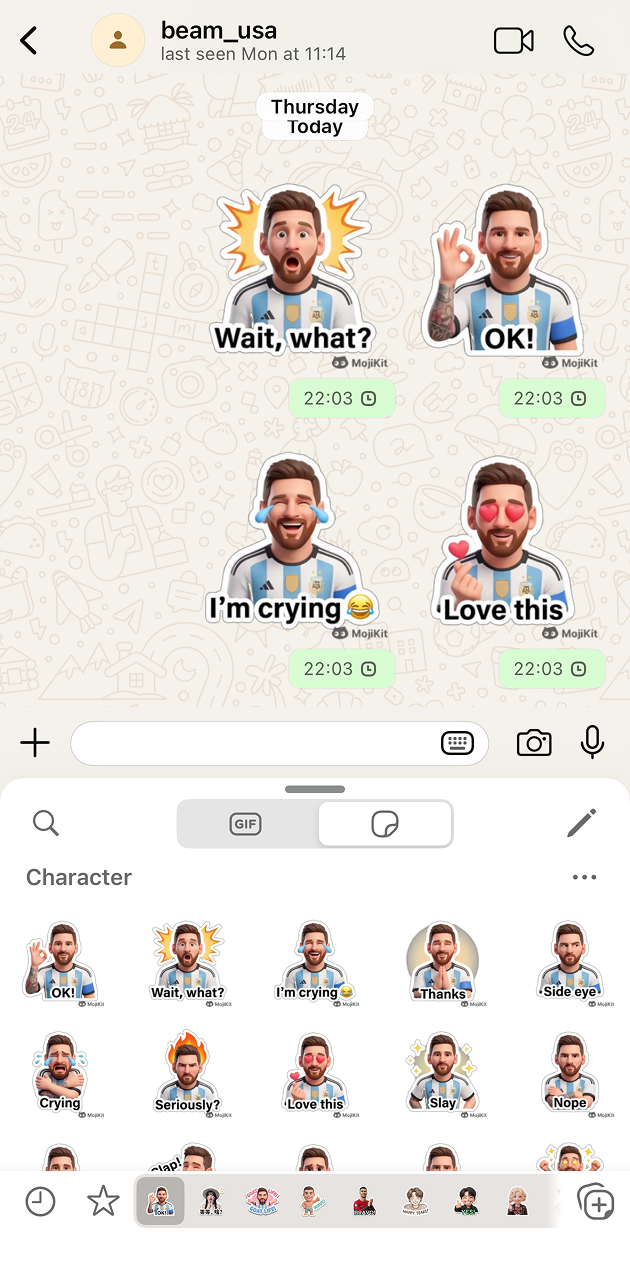
Open the pack in the app, save your favorites, and export stickers to the apps you use every day.
Sticker search
Browse sticker download pages, maker tools, and fan-style sticker ideas built for search and app discovery.
Scan with your phone or choose your app store to download MojiKit.