Choose a clear source image
Start with a selfie, pet photo, avatar, mascot, or original character that has a recognizable face, simple outline, and enough detail to stay readable at sticker size.
Guide
A practical step-by-step guide for turning a clear photo, avatar, pet, mascot, or original character into a sticker pack that works in real chats.
Short answer
Learn how to make custom stickers from photos, characters, pets, avatars, and mascots, then turn them into a full sticker pack with MojiKit.
Start with a selfie, pet photo, avatar, mascot, or original character that has a recognizable face, simple outline, and enough detail to stay readable at sticker size.
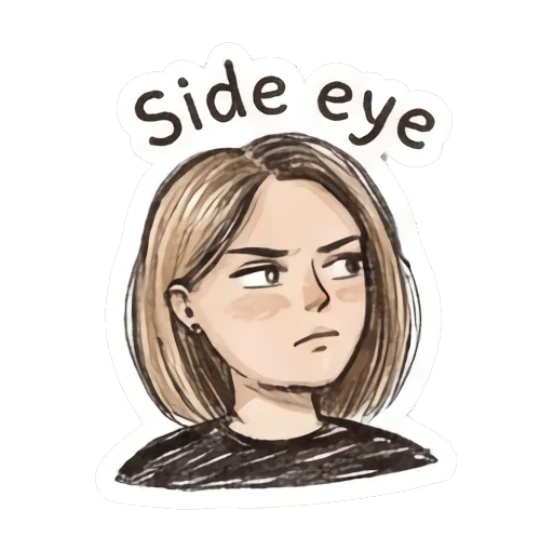
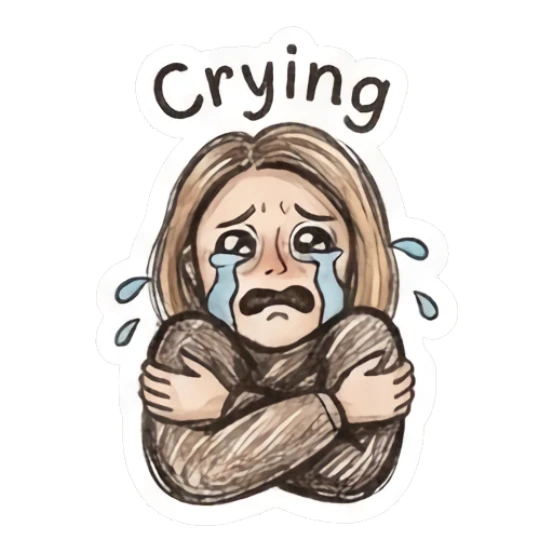
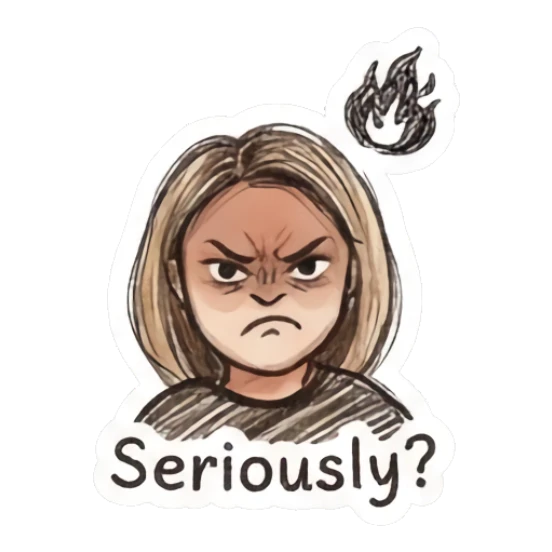
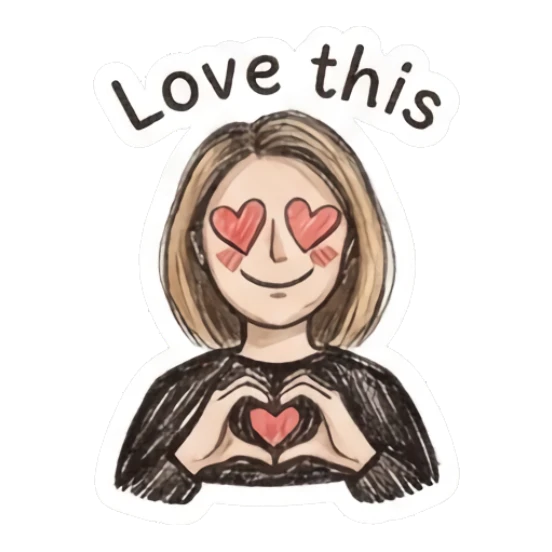
A useful sticker pack should cover moments people send often: hello, OK, thanks, shocked, crying, laughing, side eye, angry, love, and goodnight.
Use MojiKit to create a consistent set of expressive stickers from the same character so every reaction feels like part of one pack.
Check whether each sticker is readable on a phone screen. Keep expressions with clear faces, strong poses, and short captions.
Open MojiKit to save the sticker pack, export your favorites, or generate another version from the same idea.
Details
The best source image has one clear subject, a visible face or character shape, and a simple background. Selfies, pets, mascots, avatars, and original characters usually work better than crowded screenshots or tiny group photos.
A strong starter pack usually needs enough reactions to feel complete. MojiKit previews full packs, so you can judge the set as a collection instead of choosing one isolated sticker.
Custom stickers are useful in iPhone chats, WhatsApp-style conversations, Discord servers, Telegram chats, social comments, and creator communities. The most reusable packs cover everyday emotions rather than only one inside joke.
Avoid
Busy backgrounds make stickers harder to read. A clear subject is more important than a perfect photo.
A sticker pack should cover different moods. Mix greetings, reactions, jokes, thanks, love, and dramatic emotions.
Long captions become unreadable in chat. Short phrases and strong expressions usually perform better.
Next searches
Continue from this guide into sticker maker pages, download searches, and related MojiKit topics.
Create expressive AI sticker packs from characters, selfies, pets, mascots, and photos with MojiKit.
Download MojiKit, a sticker maker app for creating AI sticker packs from photos and characters.
Make complete sticker packs from photos, pets, characters, avatars, and mascots with MojiKit.
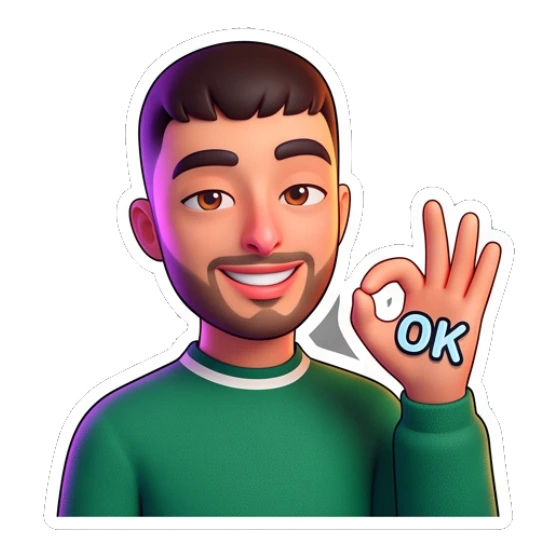
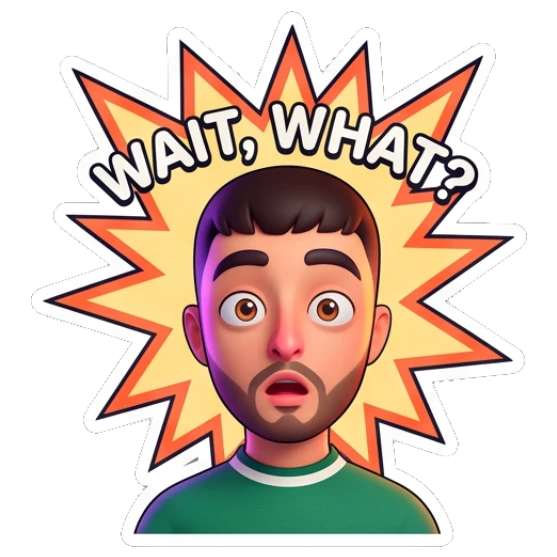
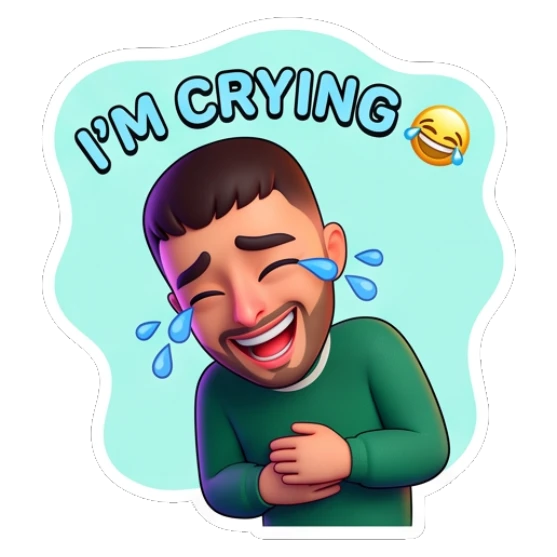
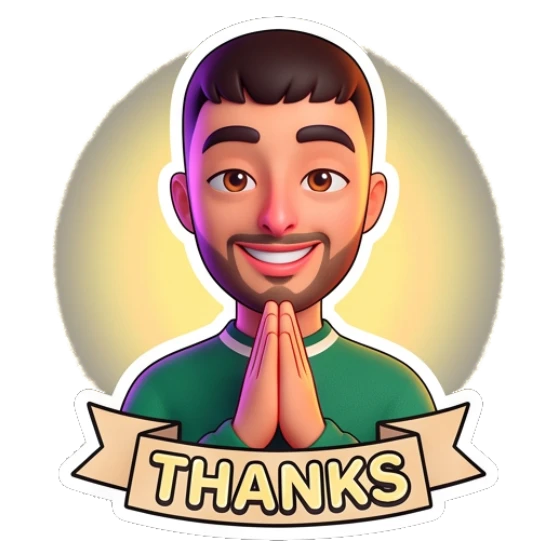
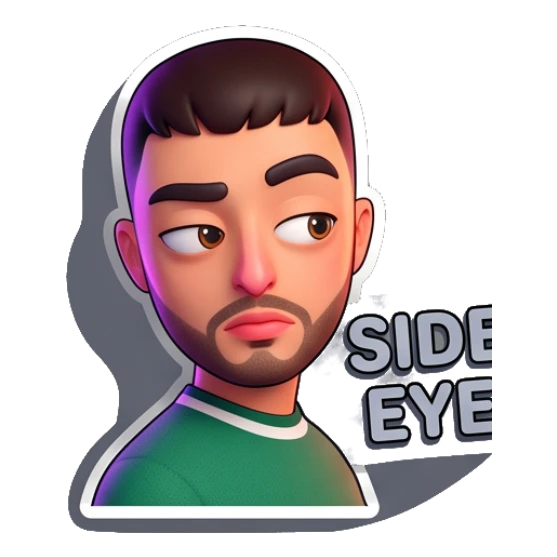
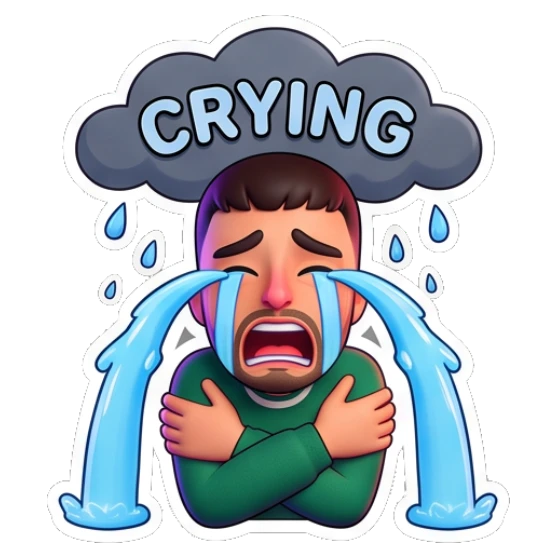
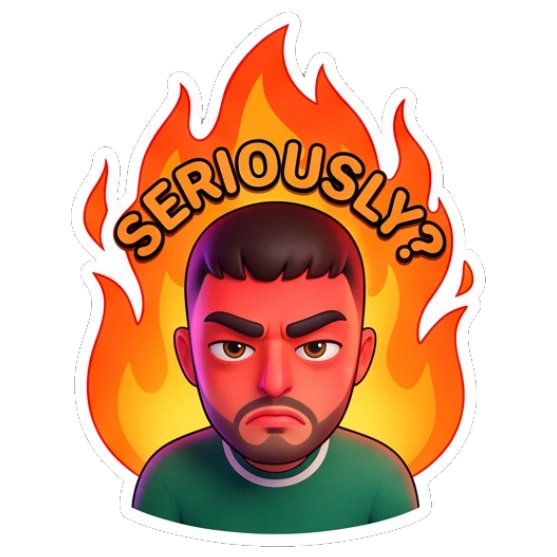
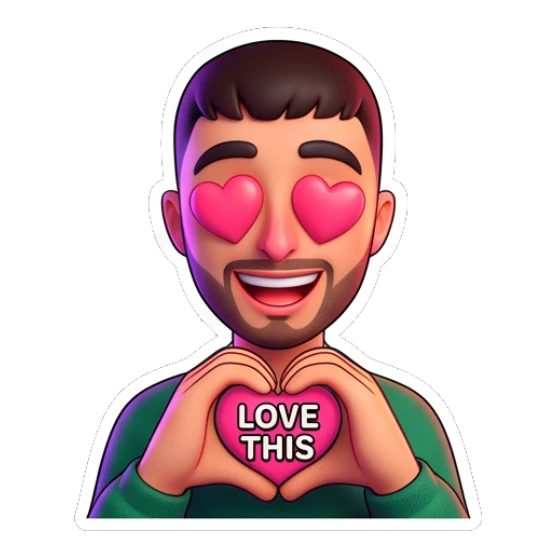
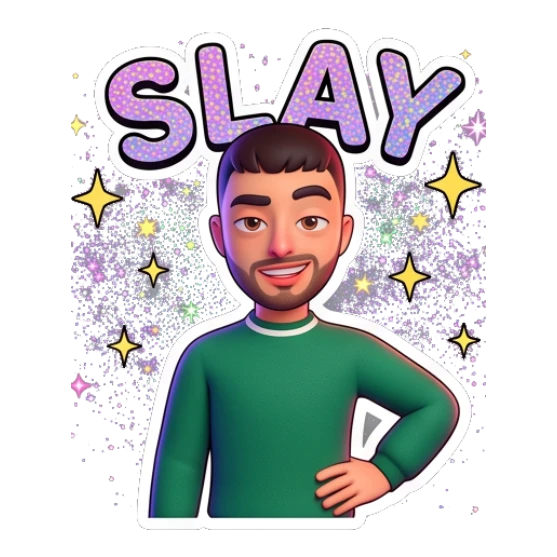
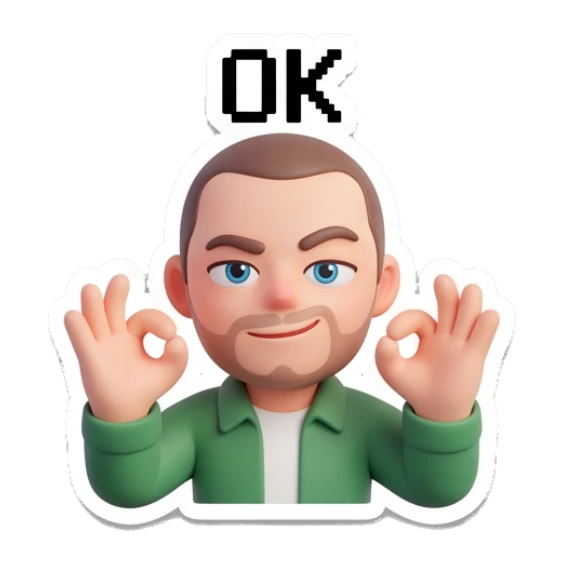
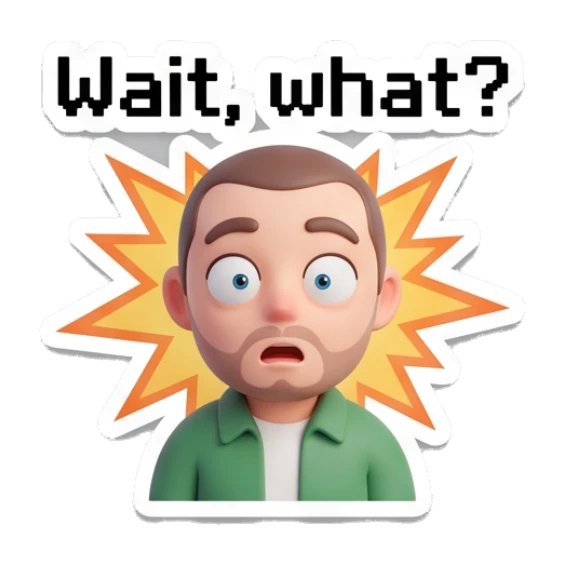
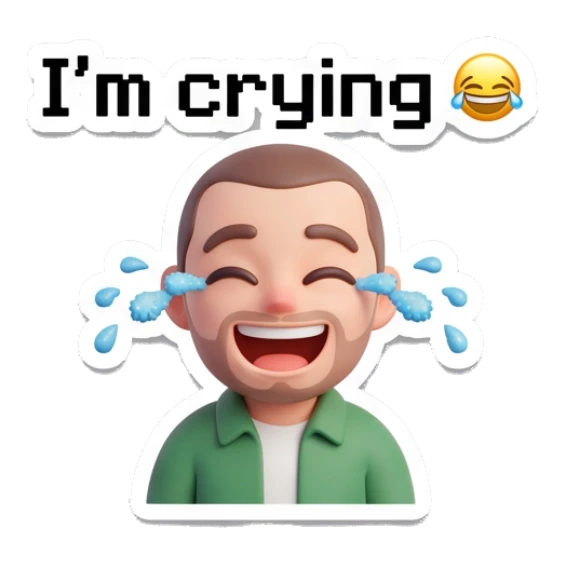

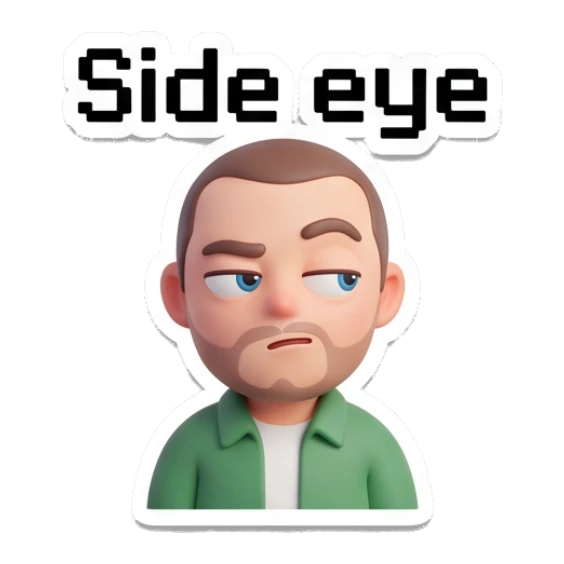
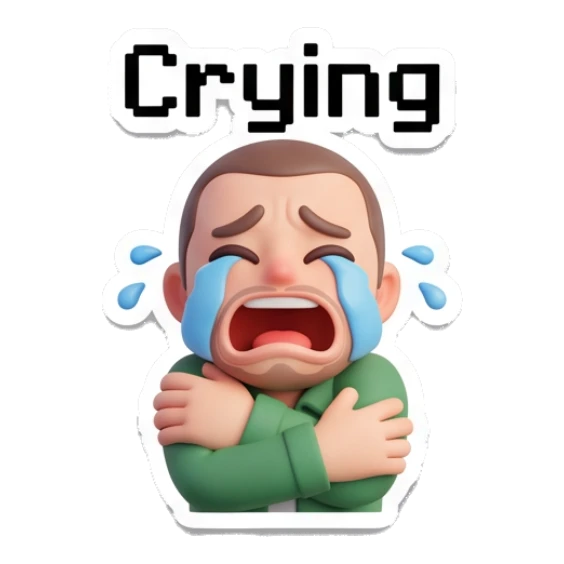
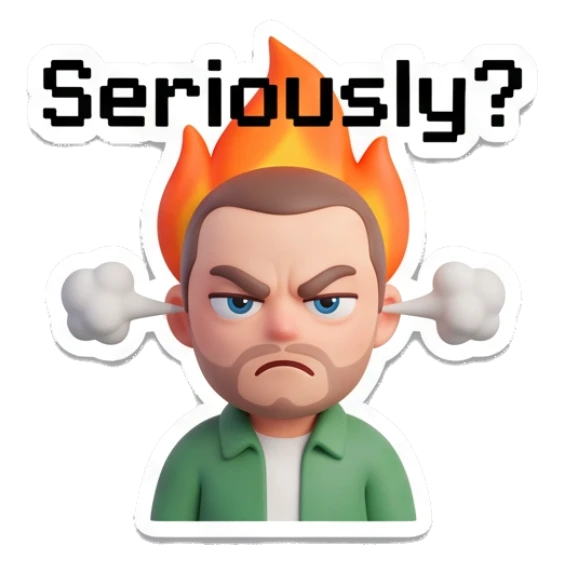
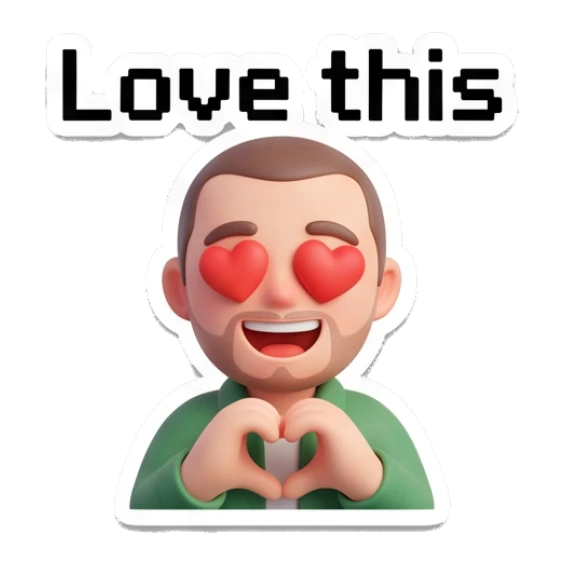
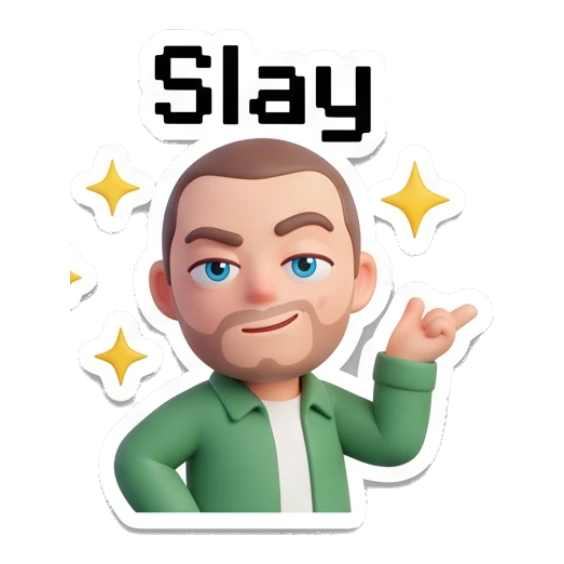
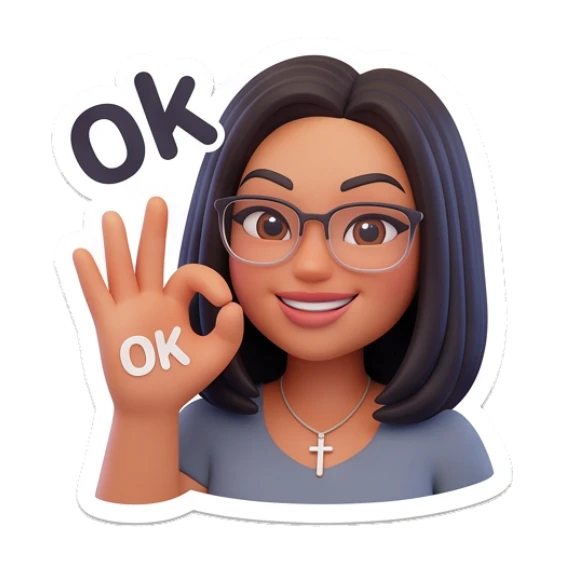
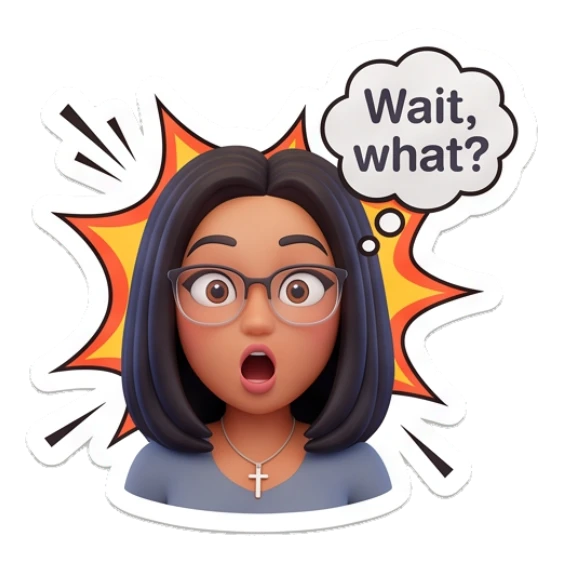
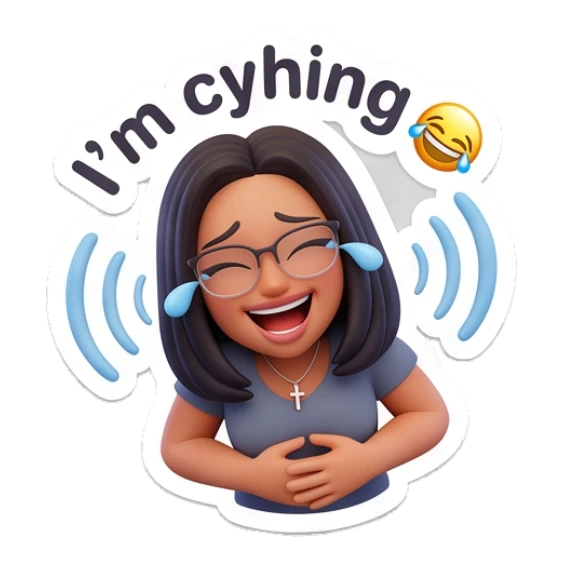

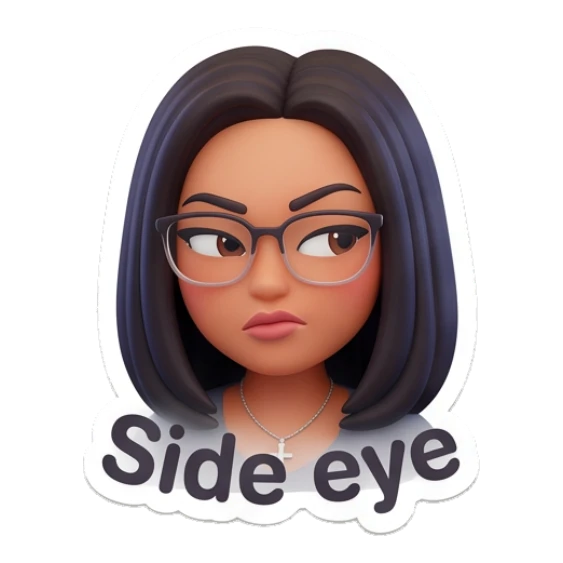

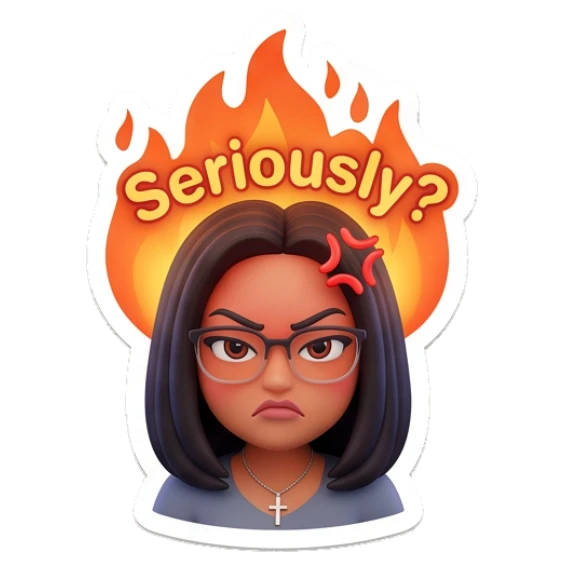
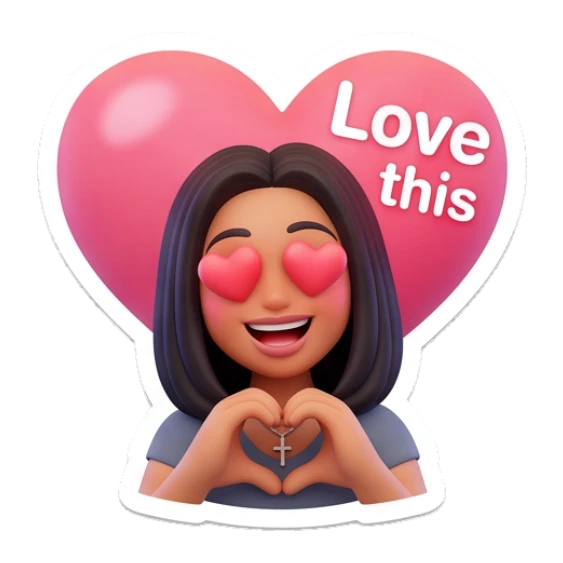
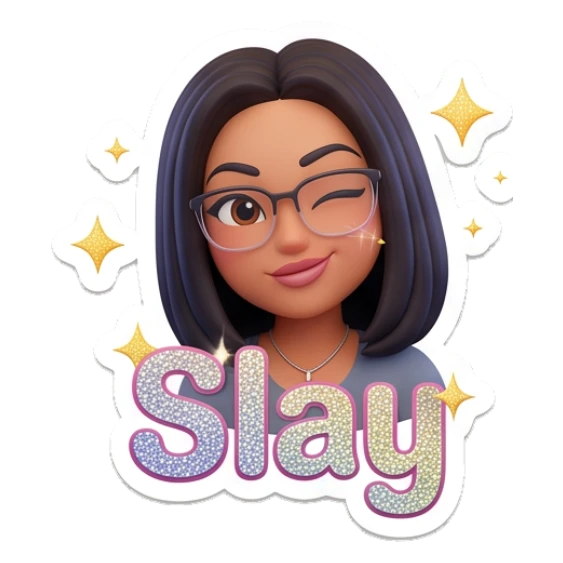
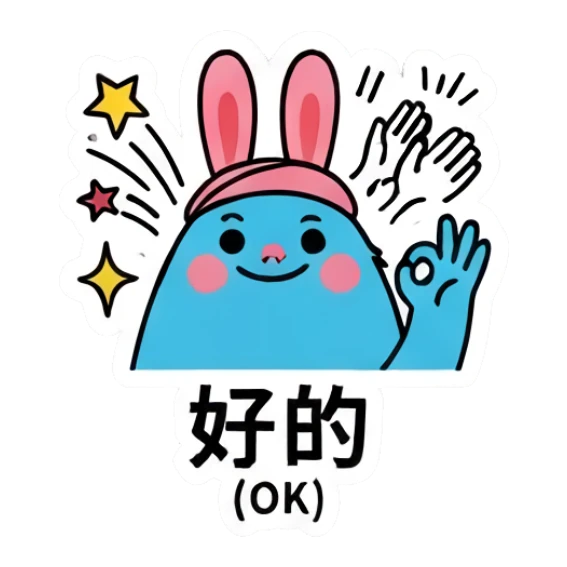
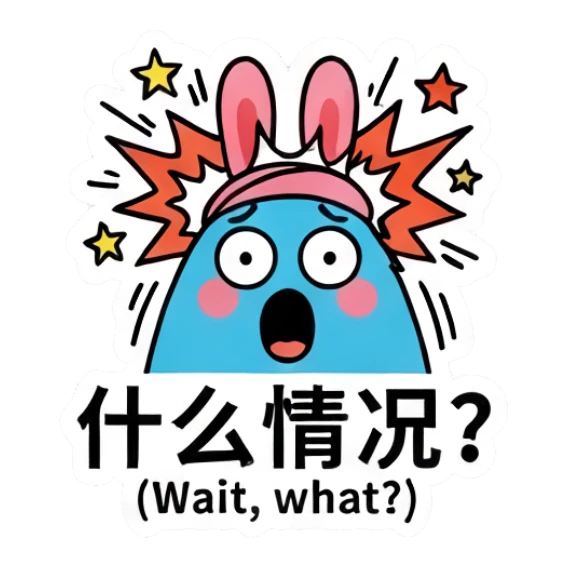
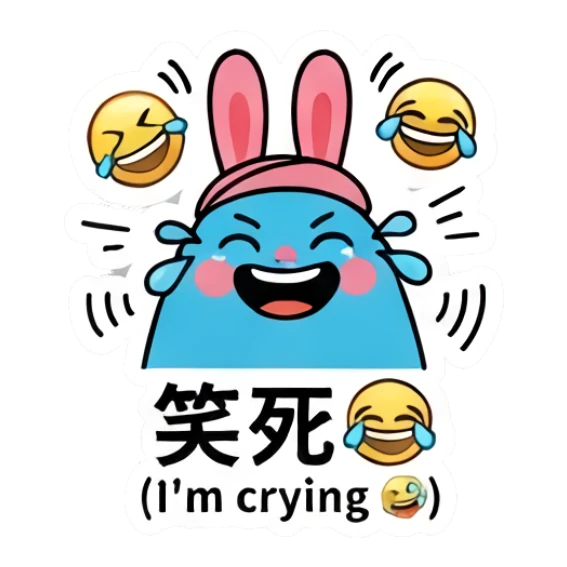
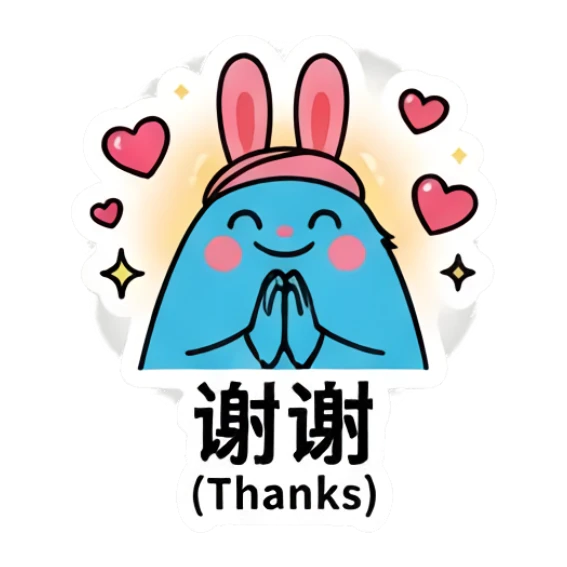
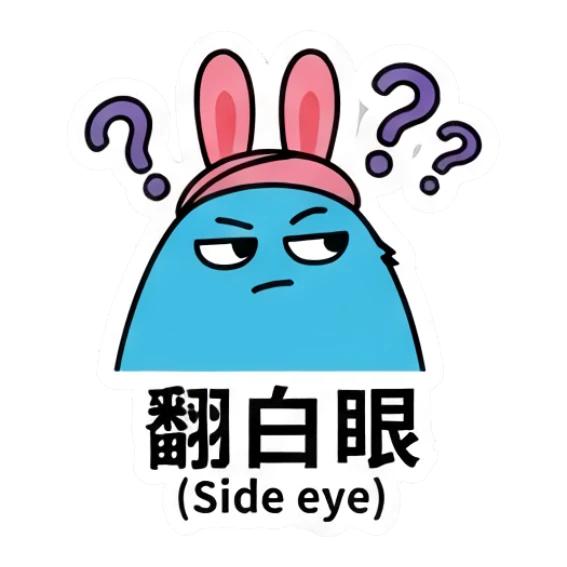
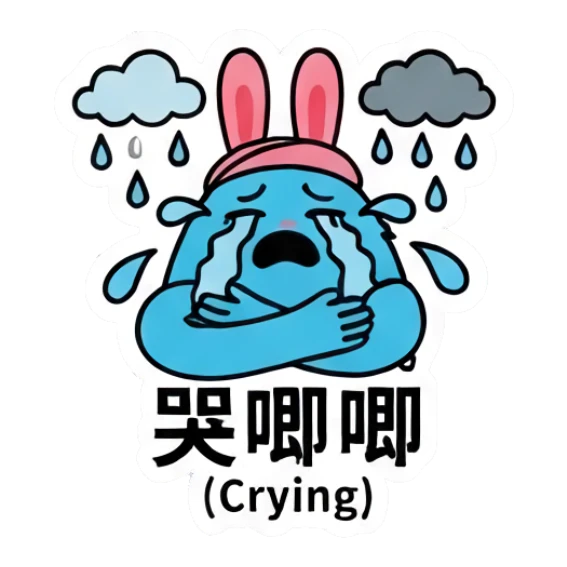
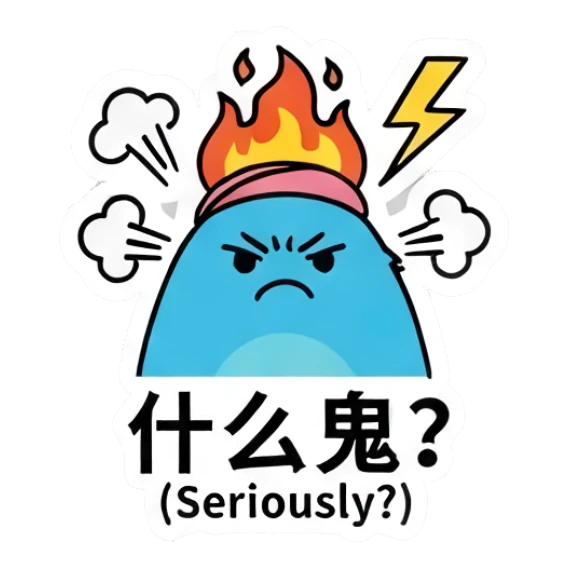
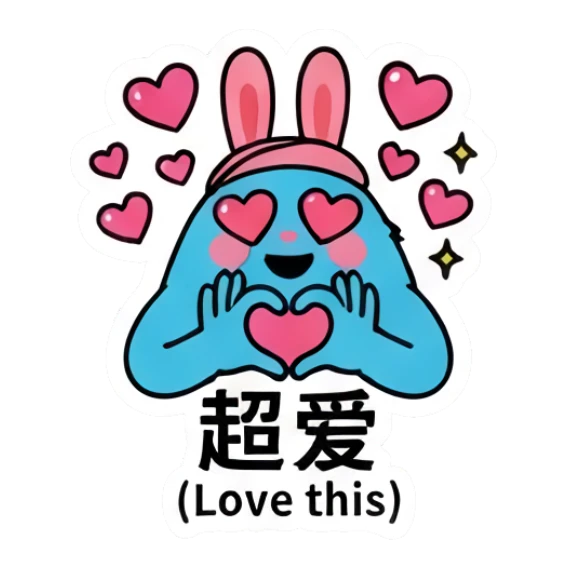
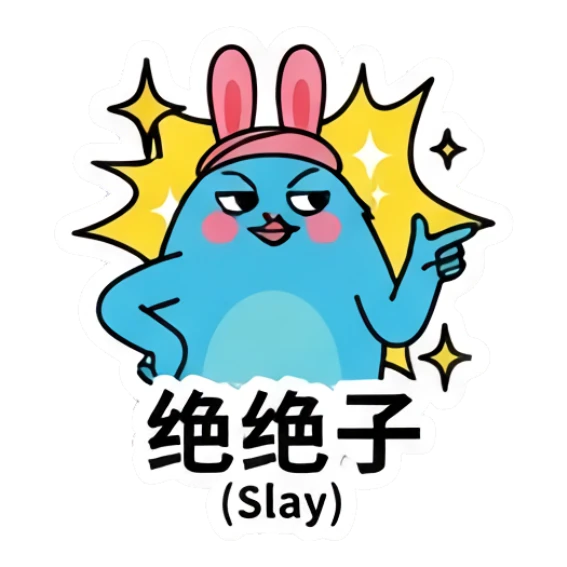
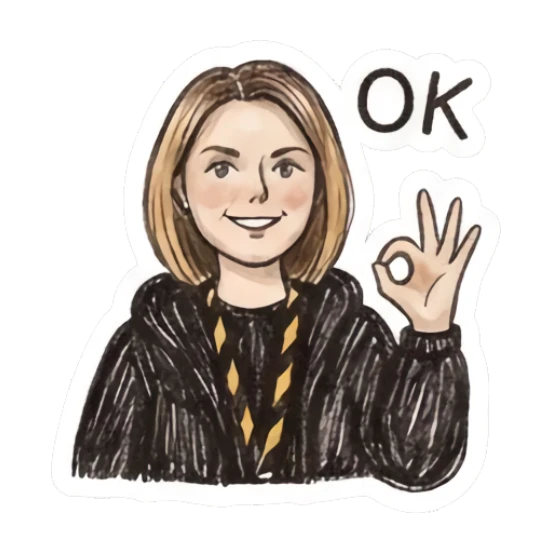
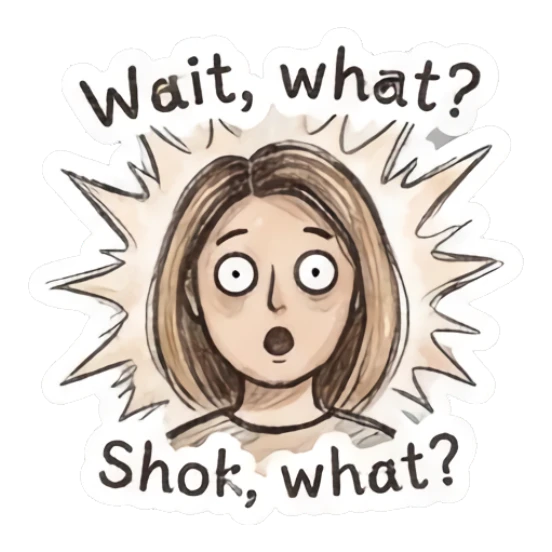
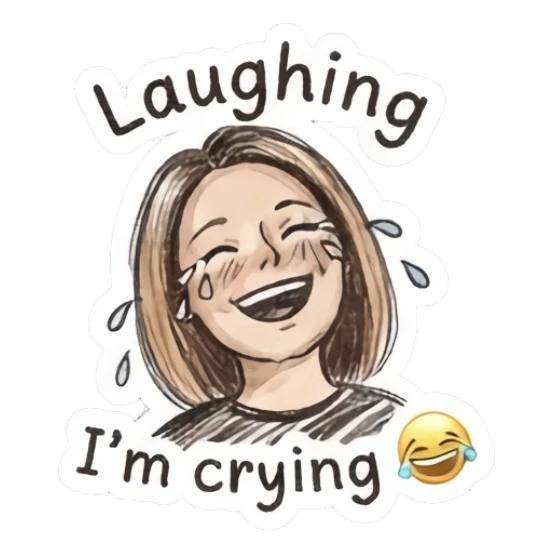

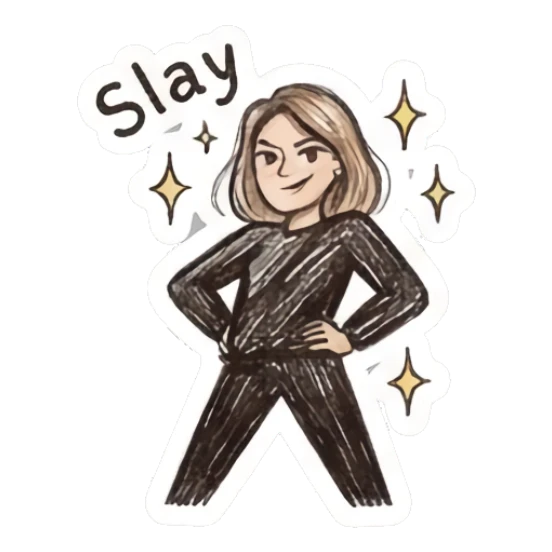
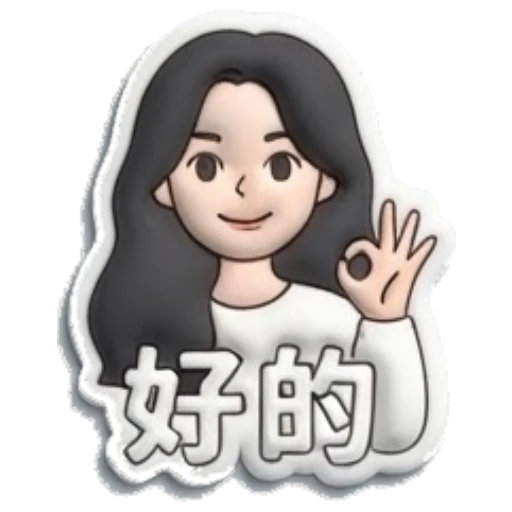
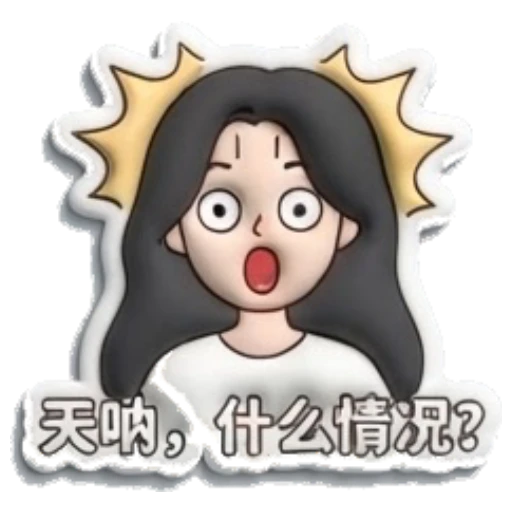
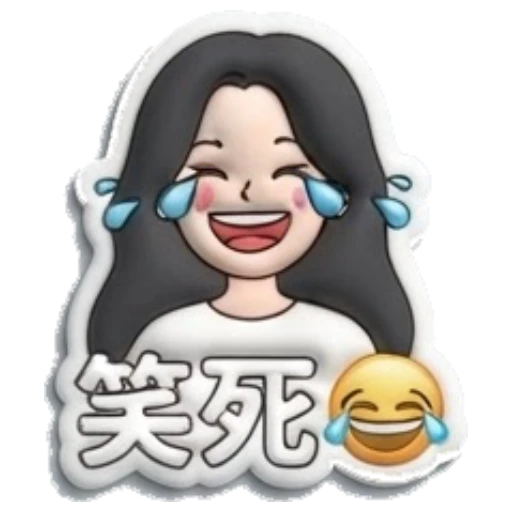

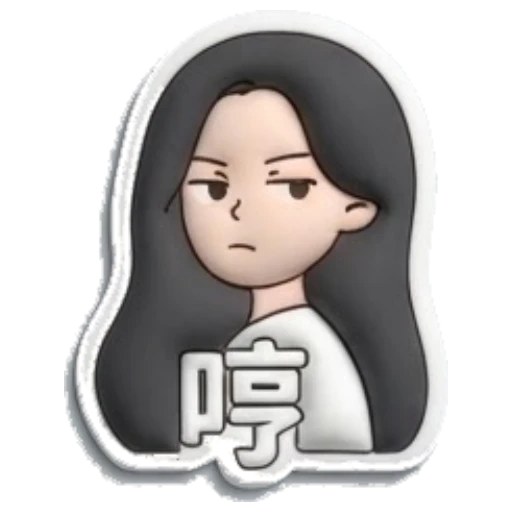
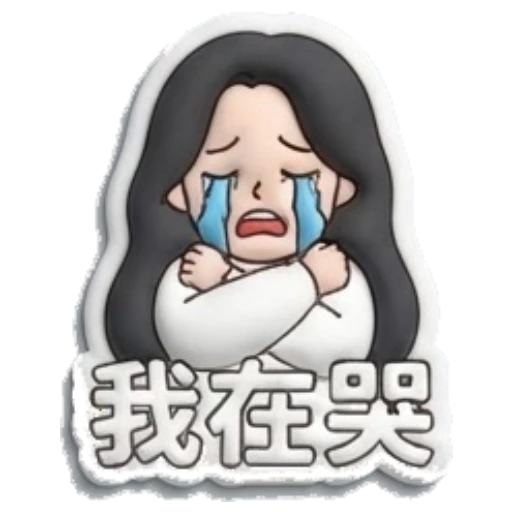
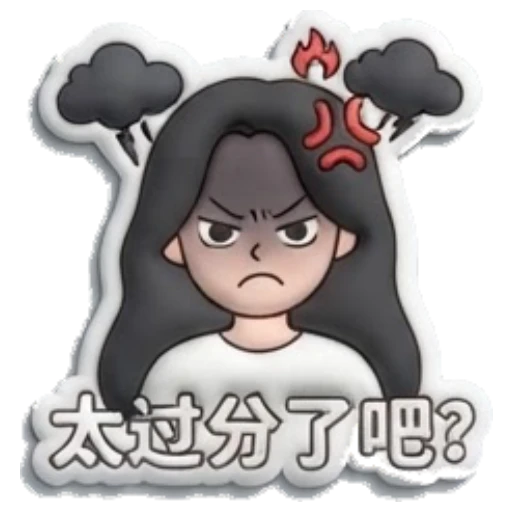
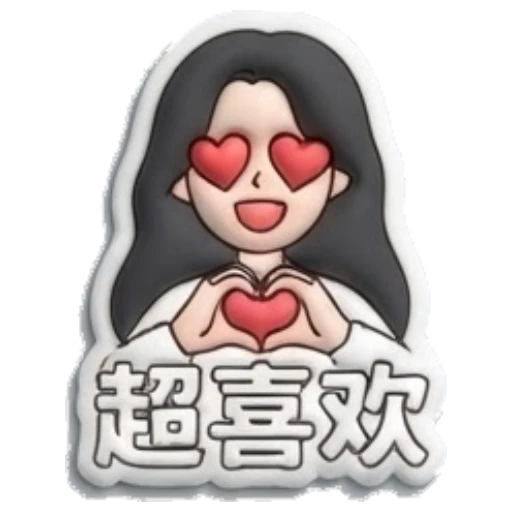
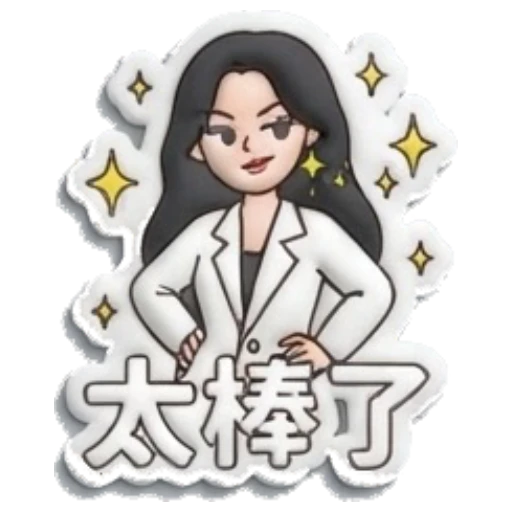
Yes. MojiKit can turn selfies, pet photos, mascots, avatars, and character images into full sticker packs.
No. MojiKit handles the sticker generation flow, so you can start from a clear image or character idea.
Yes. MojiKit is built around full sticker packs with multiple reactions from the same character.
Avoid images you do not have permission to use, crowded screenshots, very dark photos, and pictures where the subject is too small to recognize.
Scan with your phone or choose your app store to download MojiKit.