Choose a chat-friendly subject
Pick a selfie, pet, mascot, avatar, or original character that can carry everyday WhatsApp reactions.
Guide
Create a complete WhatsApp-style sticker pack for greetings, funny replies, emoji reactions, daily chats, and social moments.
Short answer
Learn how to make WhatsApp-style stickers from photos, pets, avatars, mascots, and characters, then build a reusable chat sticker pack with MojiKit.
Pick a selfie, pet, mascot, avatar, or original character that can carry everyday WhatsApp reactions.
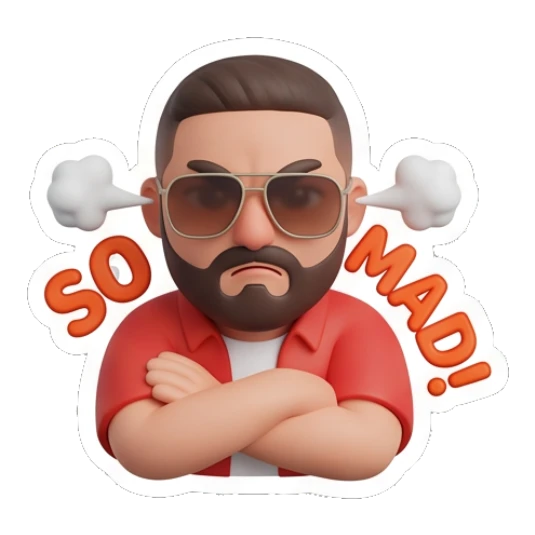
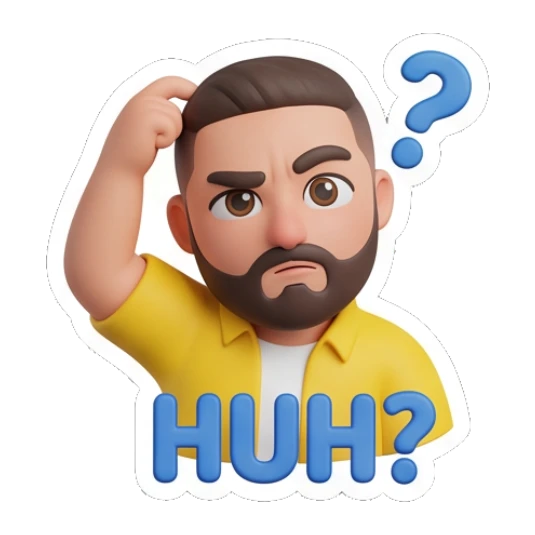
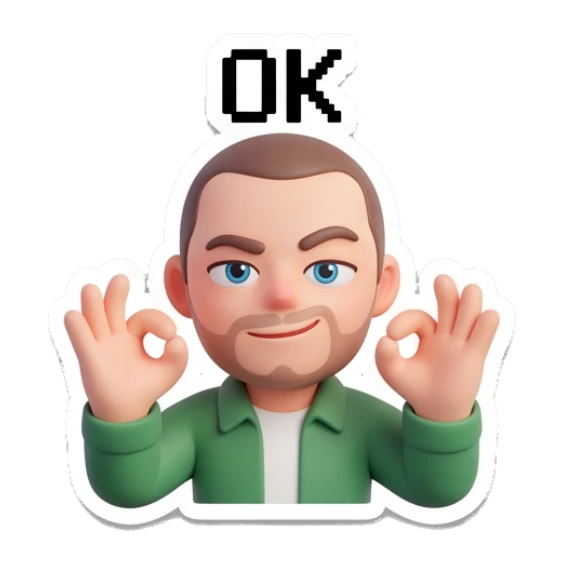
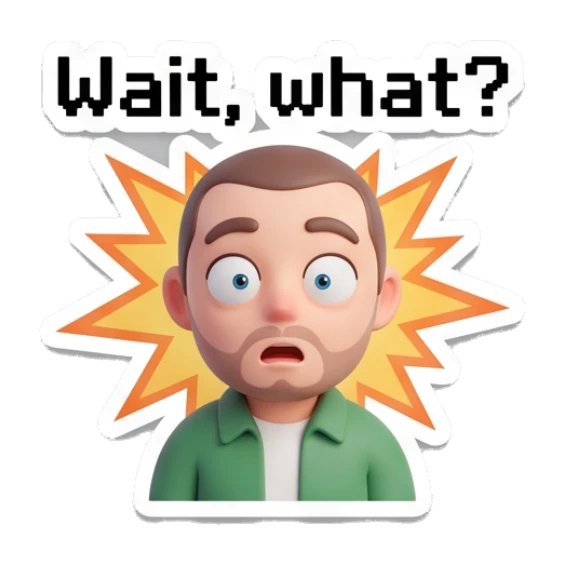
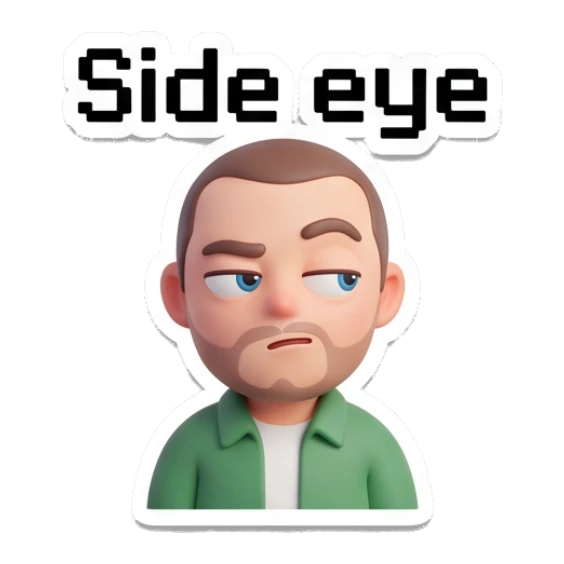
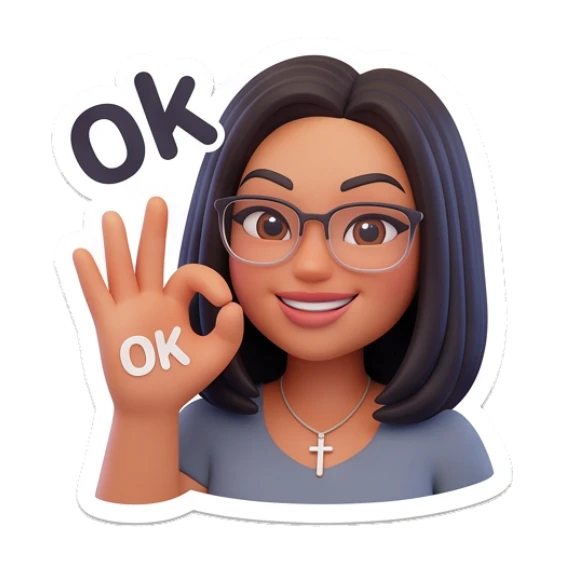
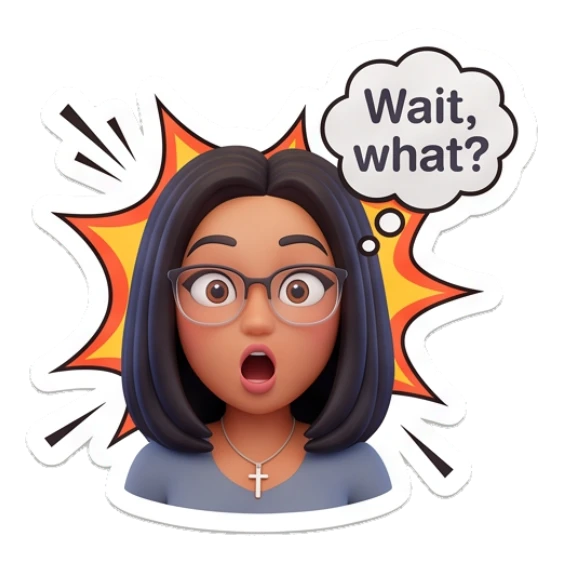
Include greetings, thanks, sorry, OK, no, goodnight, love, laughing, shocked, crying, side eye, and confused reactions.
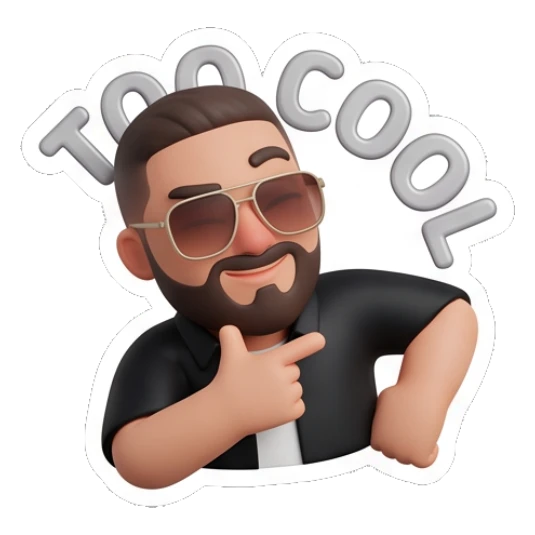
Create a pack with readable expressions, clear poses, and short captions that work inside fast message threads.
Check the set as a whole. A WhatsApp-style pack should feel useful for repeated daily conversations, not only one joke.
Use the app to save, export, or create more sticker packs from the same character idea.
Details
WhatsApp-style stickers need to be fast to understand. The best packs use clear faces, short captions, and emotions people send every day.
A practical pack should cover both polite replies and expressive reactions: hello, thanks, OK, nope, please, goodnight, laughing, crying, shocked, angry, and love.
A consistent character makes the pack feel memorable. It also helps friends recognize the sticker style immediately in busy group chats.
Avoid
Funny stickers are useful, but WhatsApp packs also need everyday replies like thanks, OK, please, and goodnight.
If a caption is hard to read in the preview, it will be even harder to read in a chat thread.
A pack feels better when the character and visual style stay consistent from sticker to sticker.
Next searches
Continue from this guide into sticker maker pages, download searches, and related MojiKit topics.
Create expressive AI sticker packs from characters, selfies, pets, mascots, and photos with MojiKit.
Download MojiKit, a sticker maker app for creating AI sticker packs from photos and characters.
Make complete sticker packs from photos, pets, characters, avatars, and mascots with MojiKit.












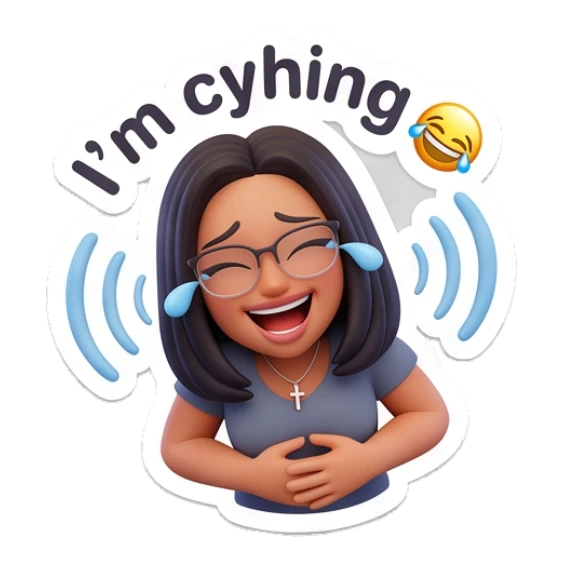

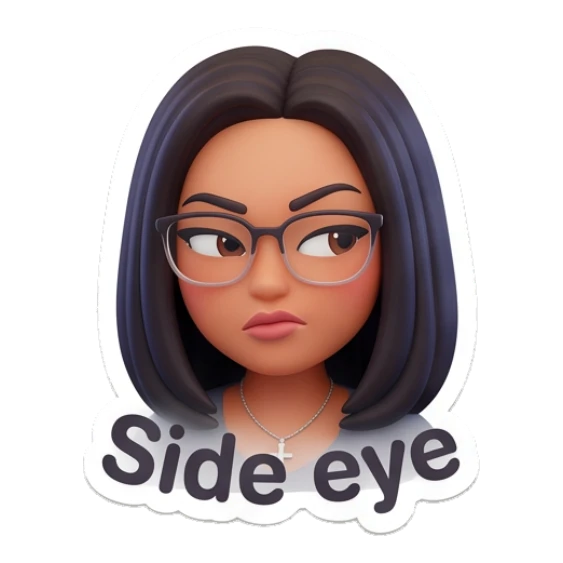



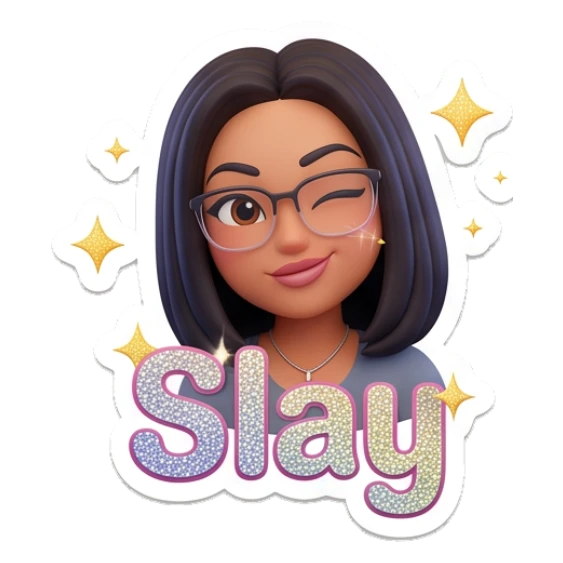
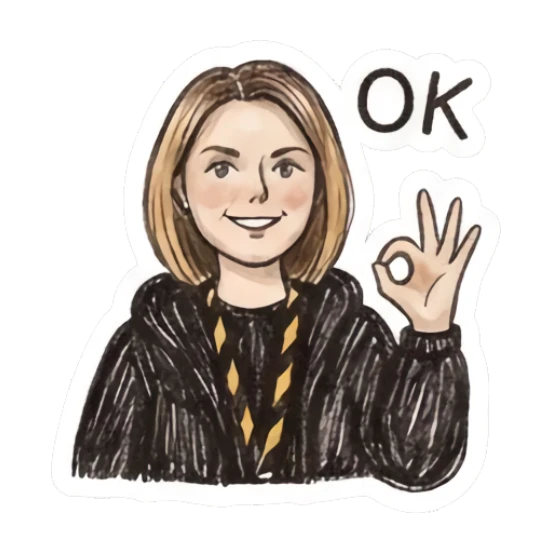

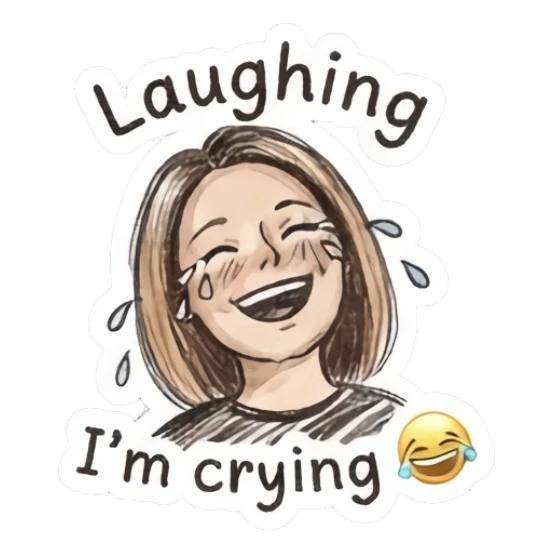

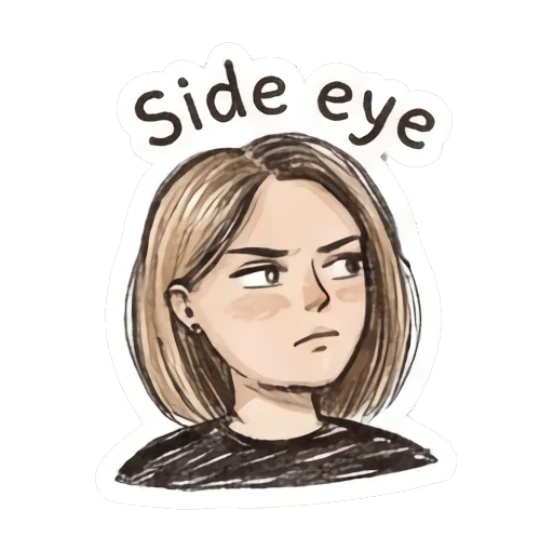
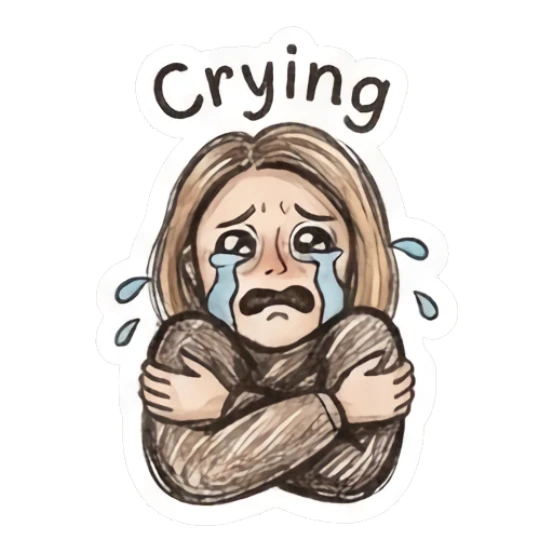
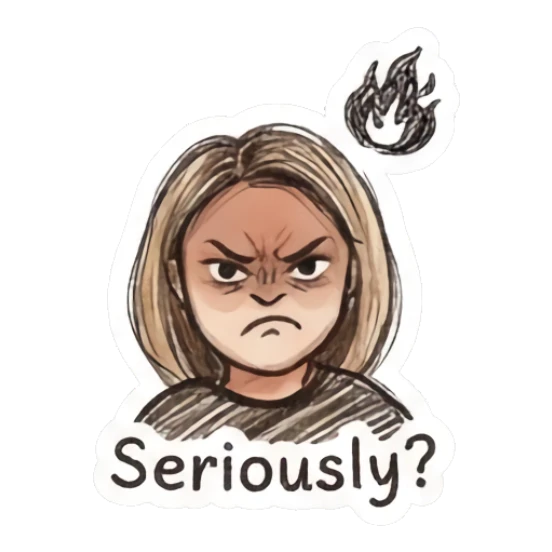

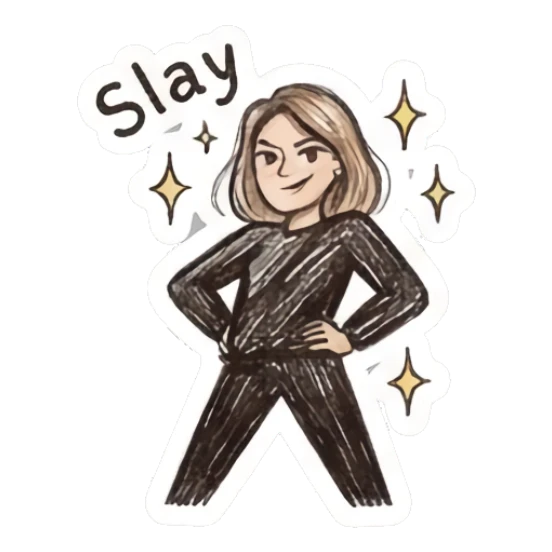

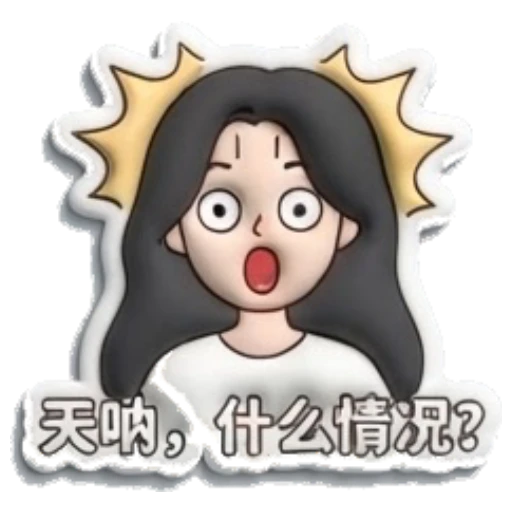
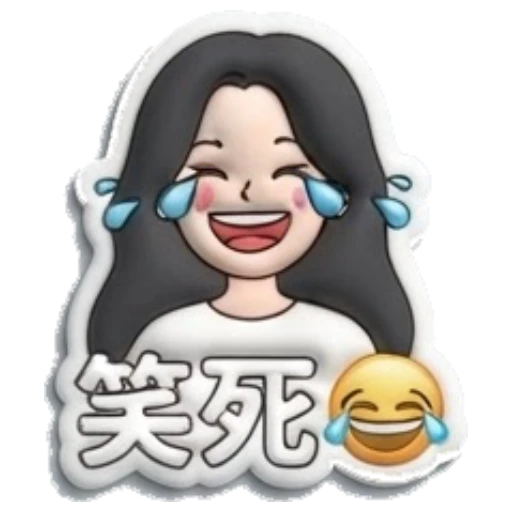



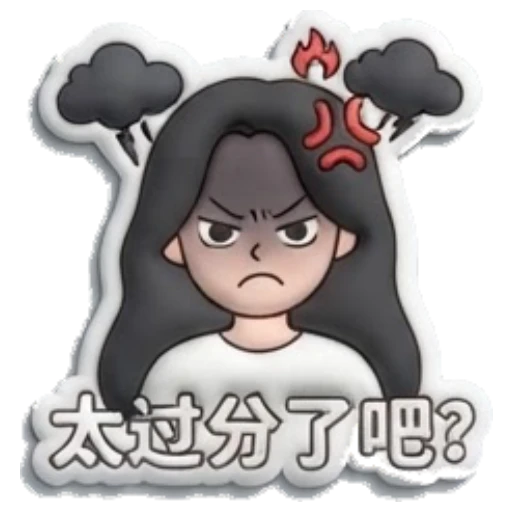


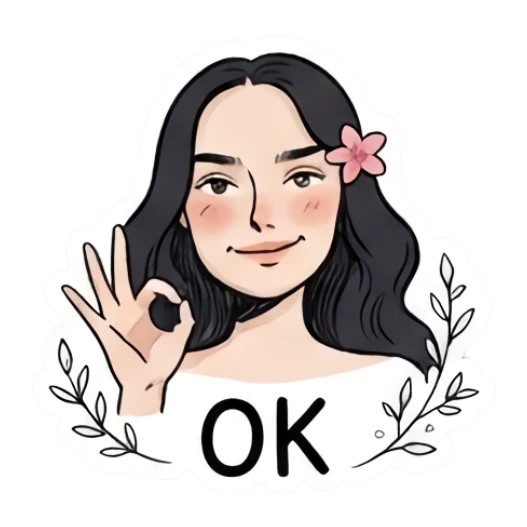



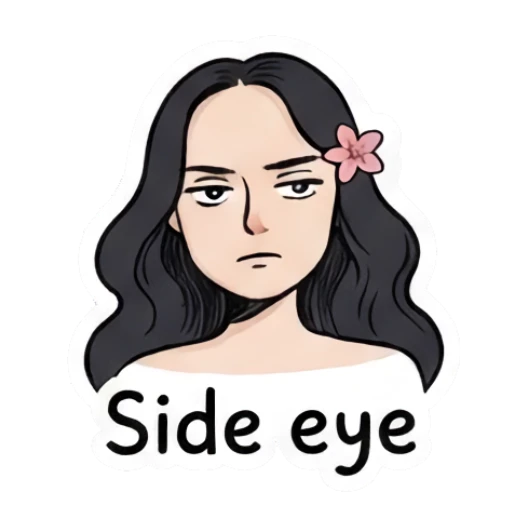

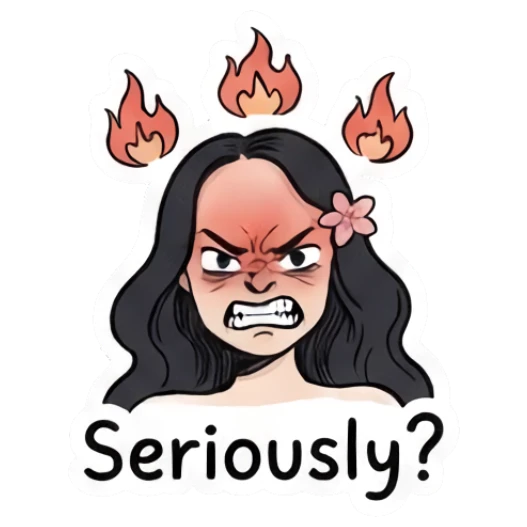
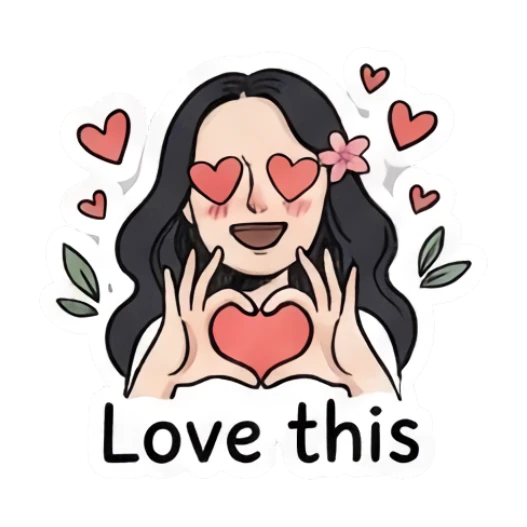

Yes. MojiKit can create meme and reaction-style sticker packs.
Yes. MojiKit shared pages show sticker pack previews before opening the app.
A useful pack should include greetings, thanks, OK, no, goodnight, love, laughing, crying, shocked, and confused reactions.
Yes. Pet photos work well for cute, funny, sleepy, hungry, and excited chat stickers.
Scan with your phone or choose your app store to download MojiKit.