Pick a strong photo
Use a bright image where the subject is easy to recognize. Selfies, pet photos, avatars, and mascot photos work best when the face or body shape is clear.
Guide
Use a photo as the starting point for a complete sticker pack with multiple expressions, not just one cutout image.
Short answer
Learn how to make a sticker from a photo, choose the right source image, and turn selfies, pets, avatars, or characters into a full MojiKit sticker pack.
Use a bright image where the subject is easy to recognize. Selfies, pet photos, avatars, and mascot photos work best when the face or body shape is clear.
A sticker needs to read quickly in chat. Avoid group photos or busy screenshots where the main subject becomes too small.
Let MojiKit create a pack with different expressions such as happy, shocked, sad, angry, excited, love, and laughing.
Review the full pack and keep the stickers with clear faces, readable captions, and strong silhouettes.
Open the generated pack in MojiKit to save, export, or create another variation from the same photo idea.
Details
A strong photo sticker starts with a subject that is easy to separate visually. A clear selfie, pet portrait, mascot image, or avatar usually works better than a landscape, group shot, or low-light image.
One sticker is useful once. A pack is useful every day. A complete photo sticker pack gives you greetings, funny replies, dramatic reactions, and emotional moments from the same subject.
Use expressions that match how you actually chat. For a selfie, include funny and dramatic reactions. For a pet, include cute, sleepy, hungry, excited, and confused moments.
Avoid
If the person, pet, or character is too small in the original photo, the final sticker will usually feel weak in chat.
Use your own images, original characters, or photos you have permission to use. This matters for public sharing and SEO pages.
Photo stickers are more useful when the pack includes several emotions, not only a smiling version of the subject.
Next searches
Continue from this guide into sticker maker pages, download searches, and related MojiKit topics.
Download MojiKit, a sticker maker app for creating AI sticker packs from photos and characters.
Create expressive AI sticker packs from characters, selfies, pets, mascots, and photos with MojiKit.
Make complete sticker packs from photos, pets, characters, avatars, and mascots with MojiKit.
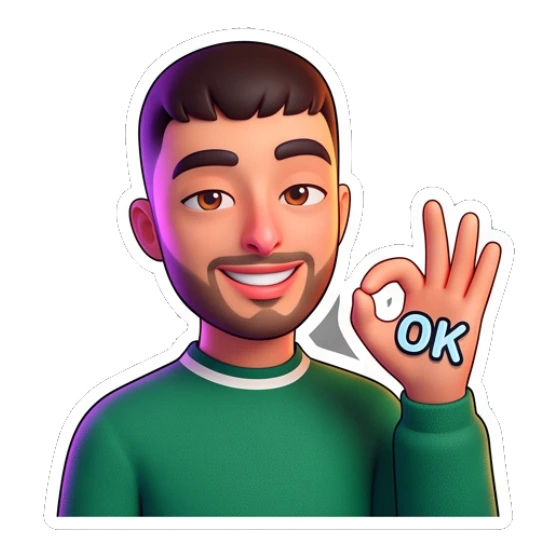
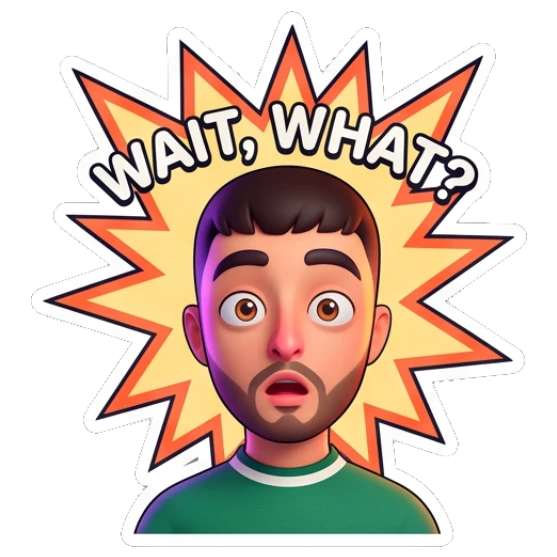
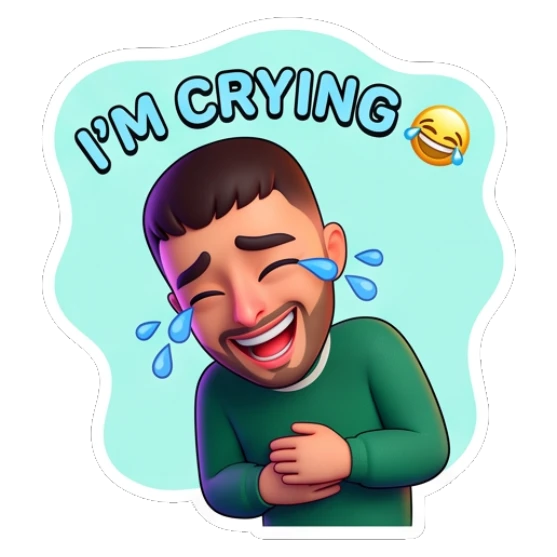

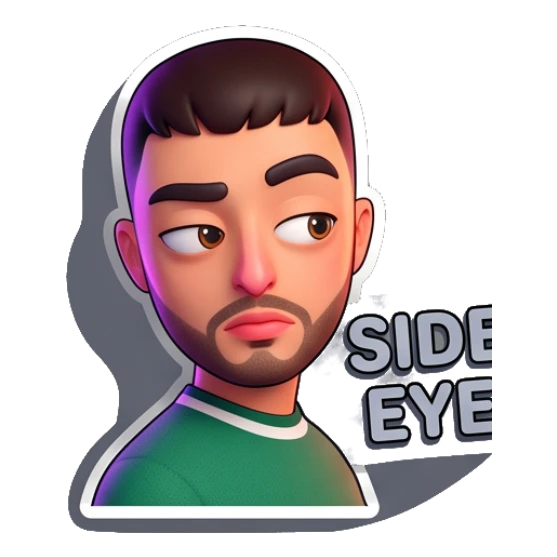
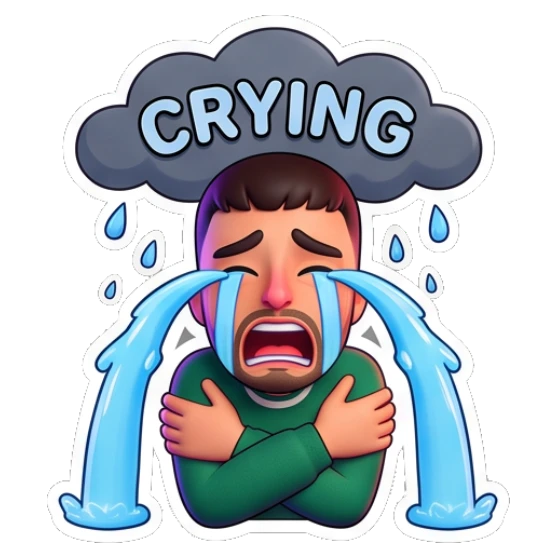
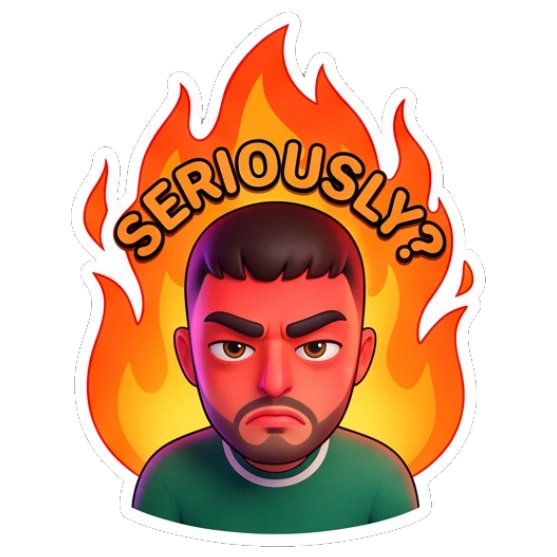
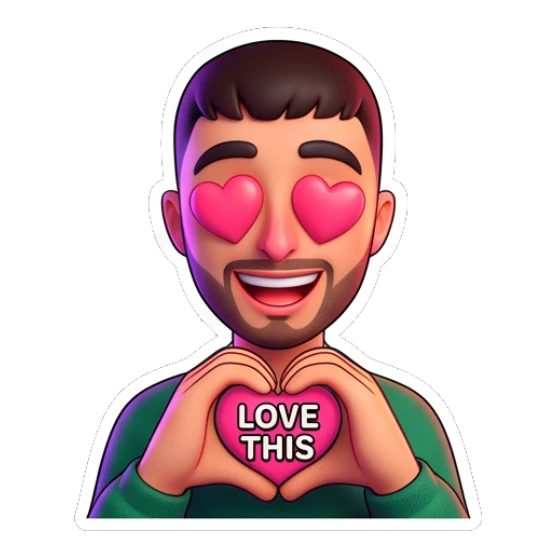
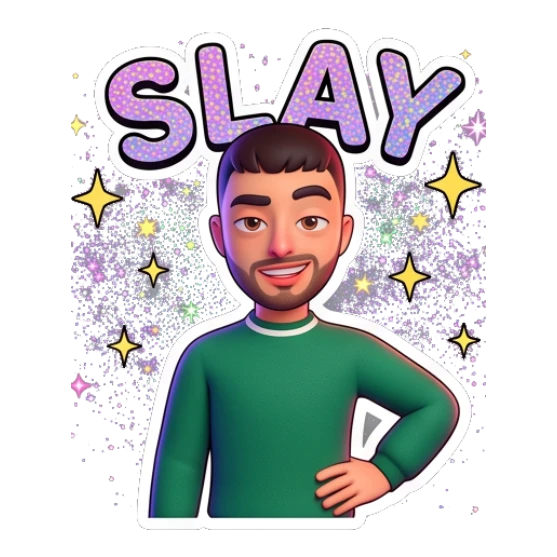
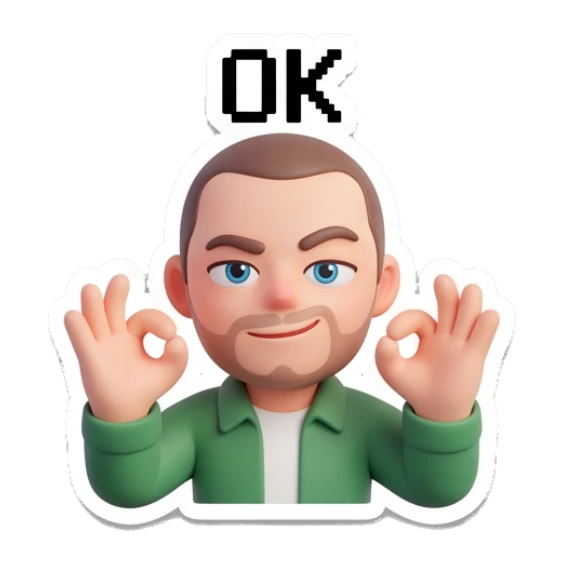
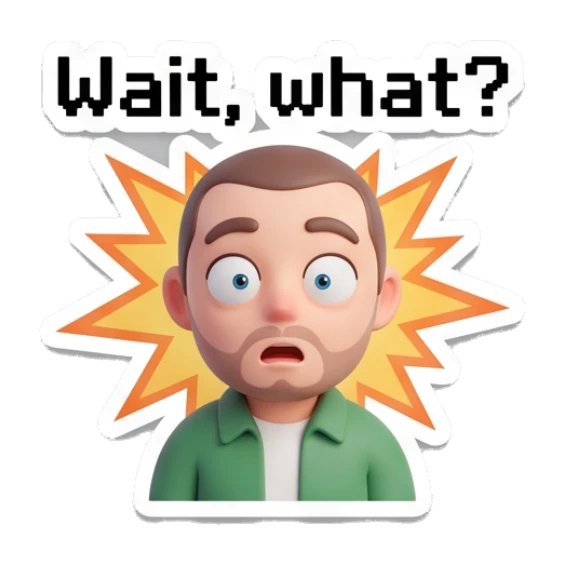
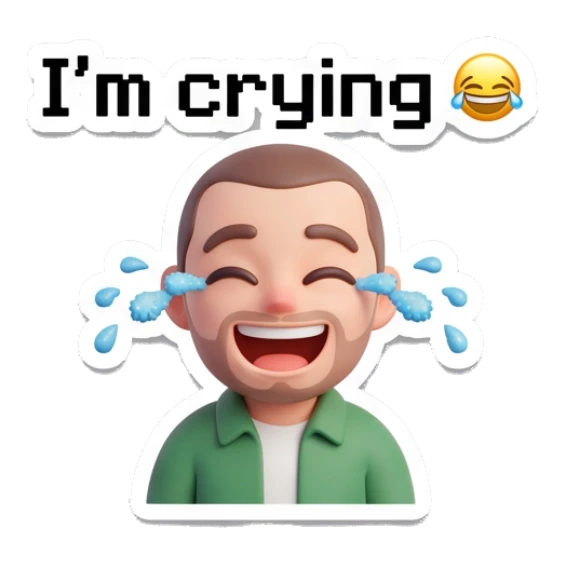

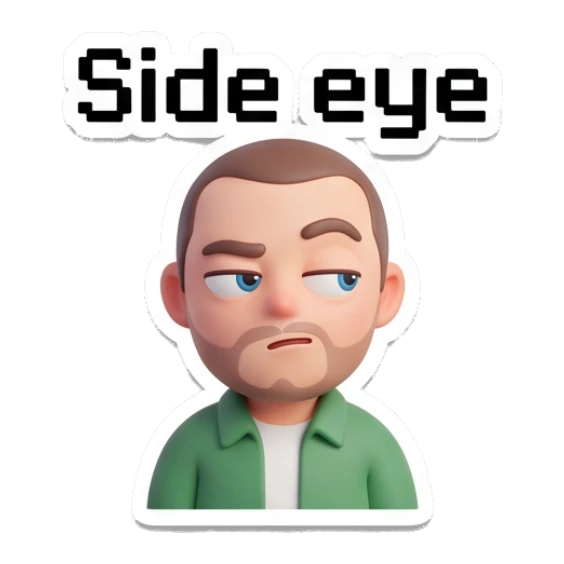
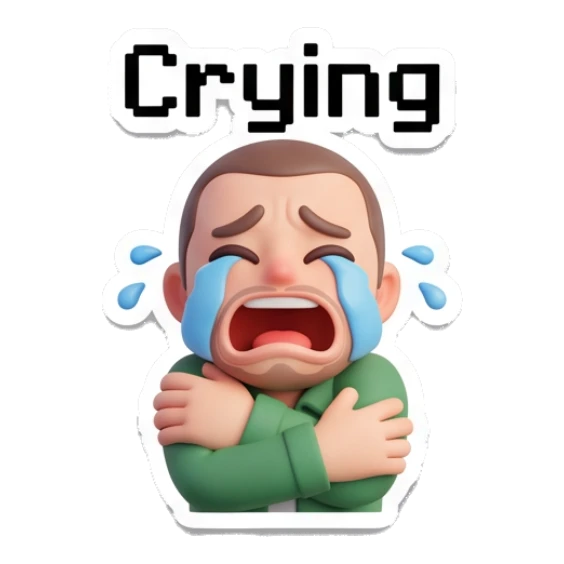
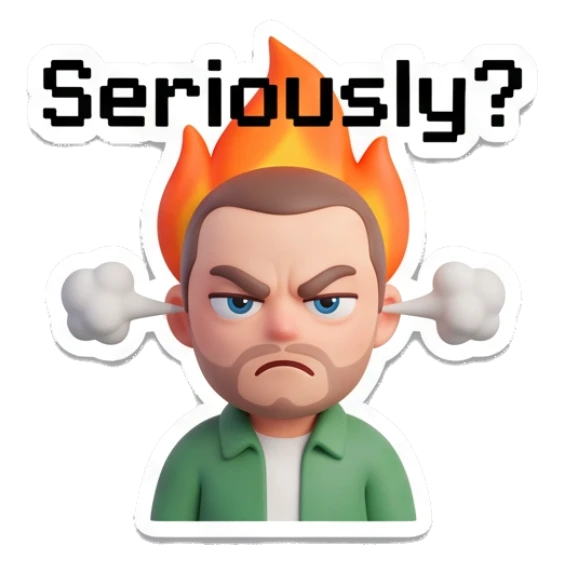

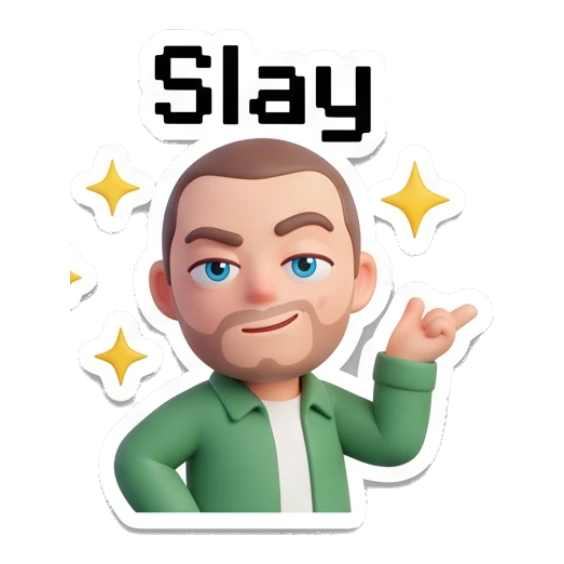
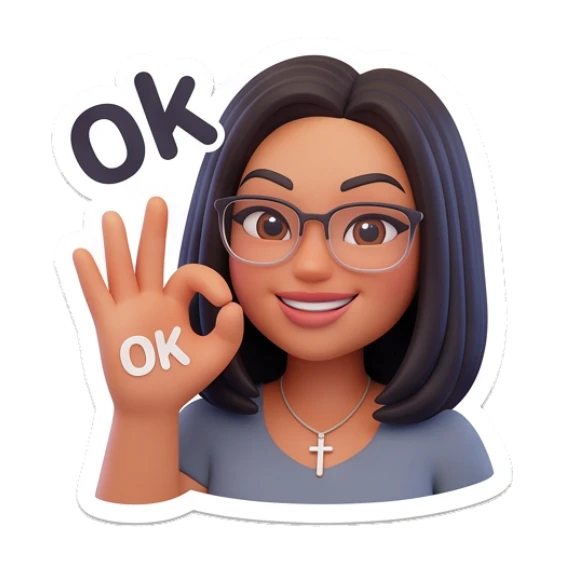
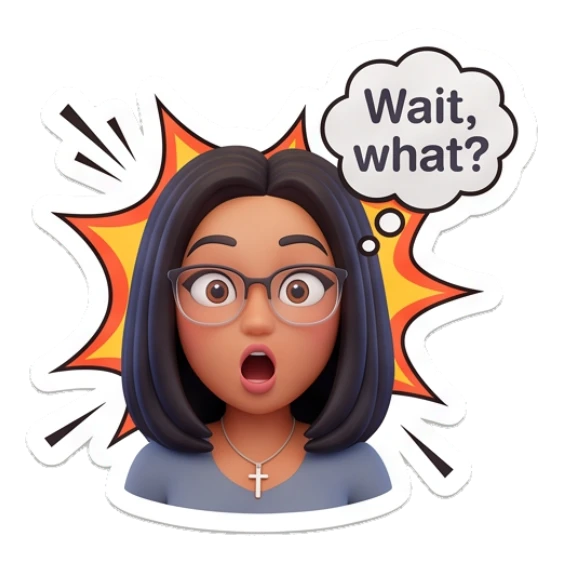
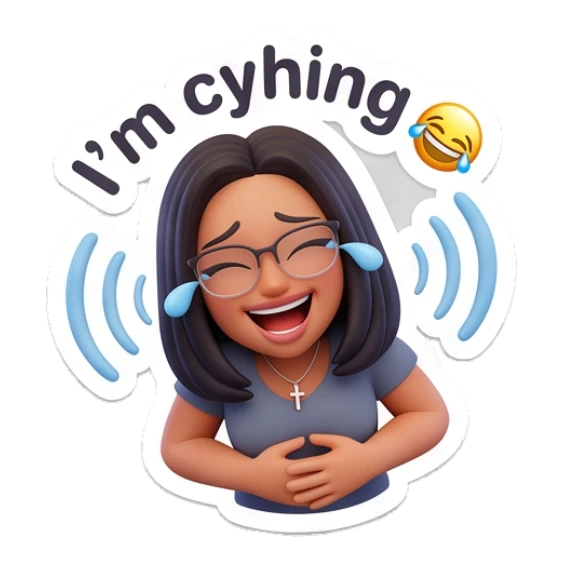

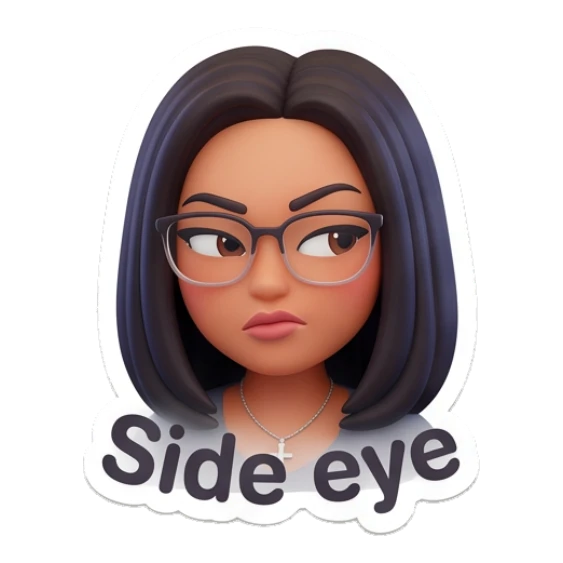

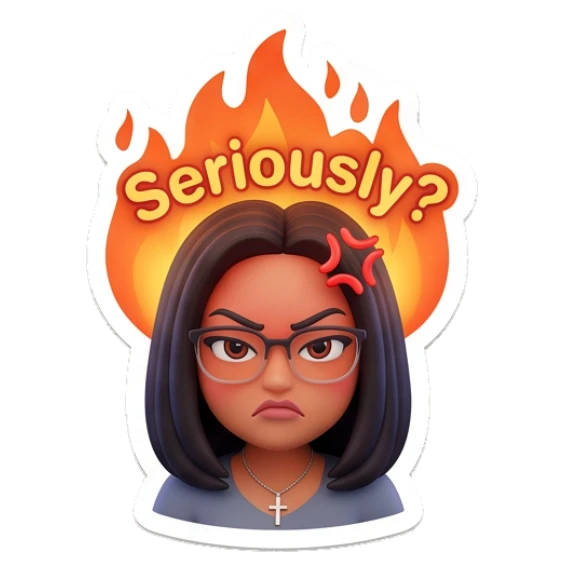

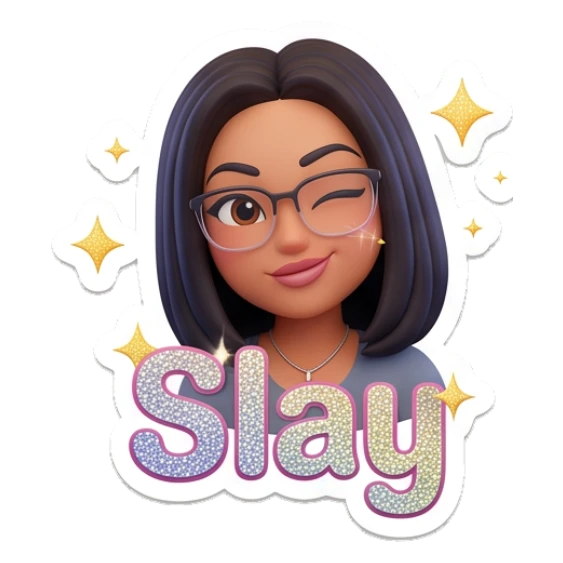
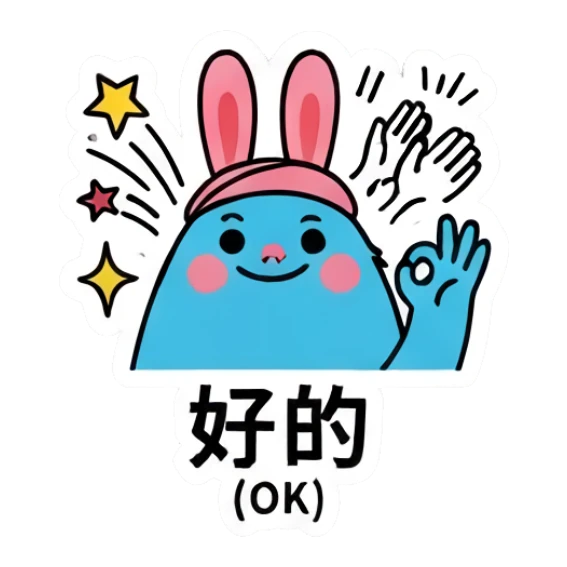
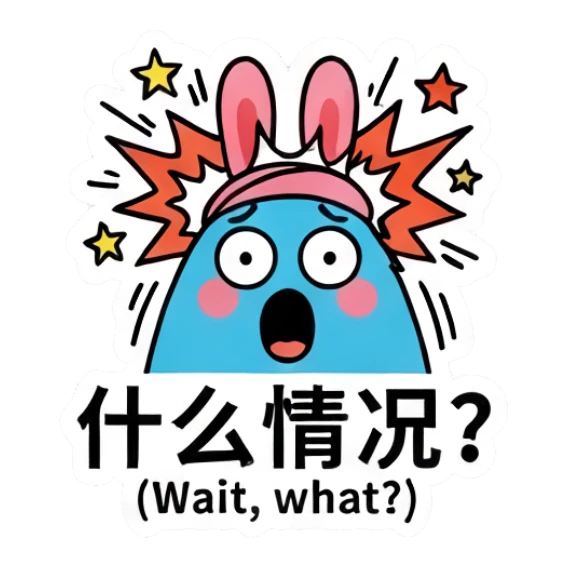
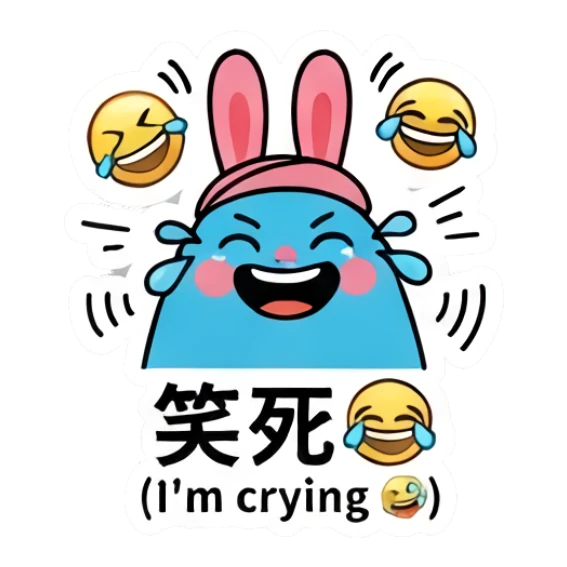
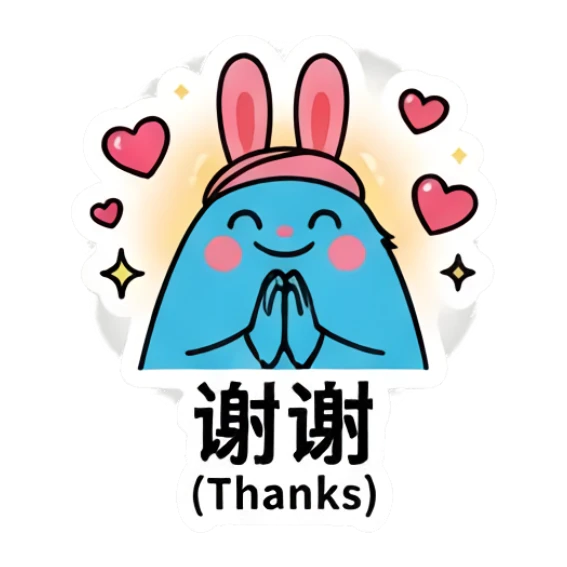
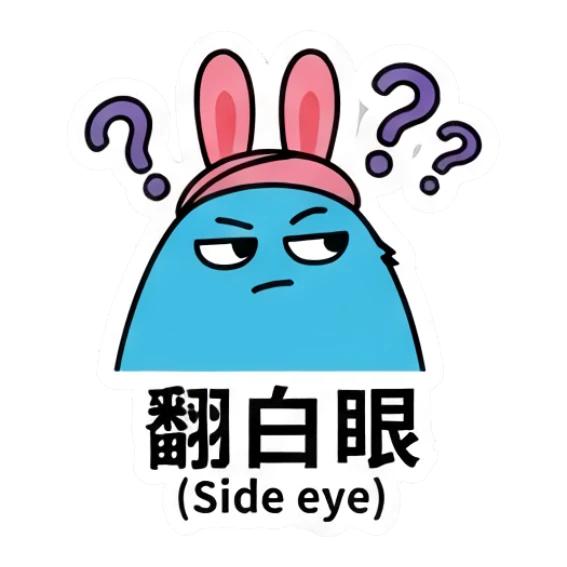
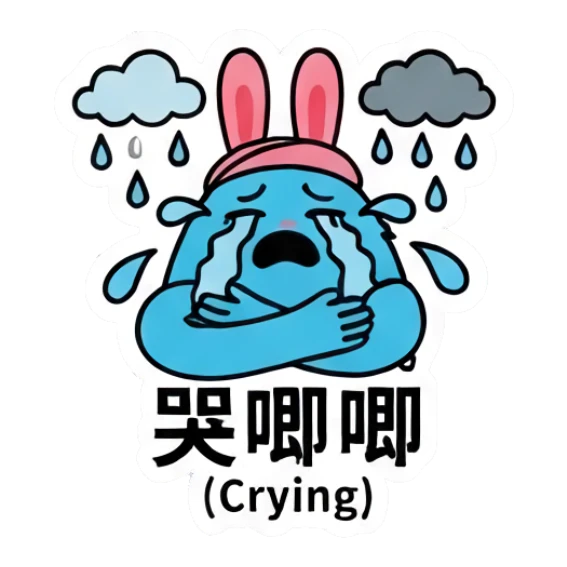
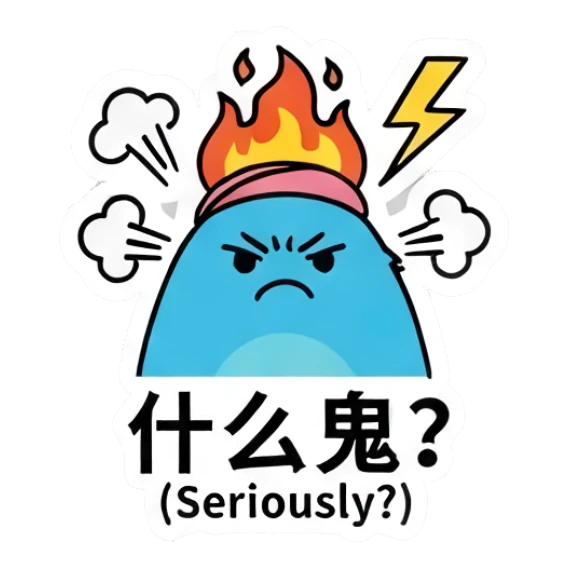
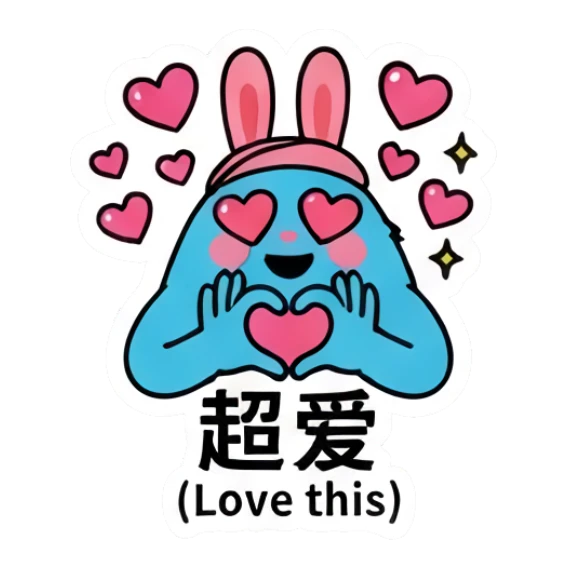
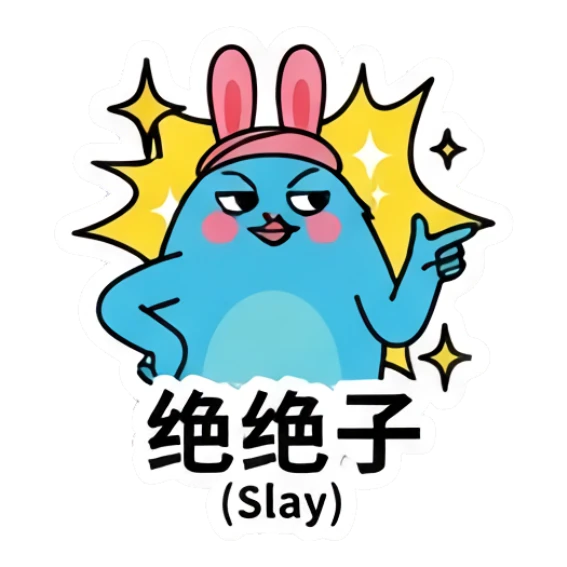
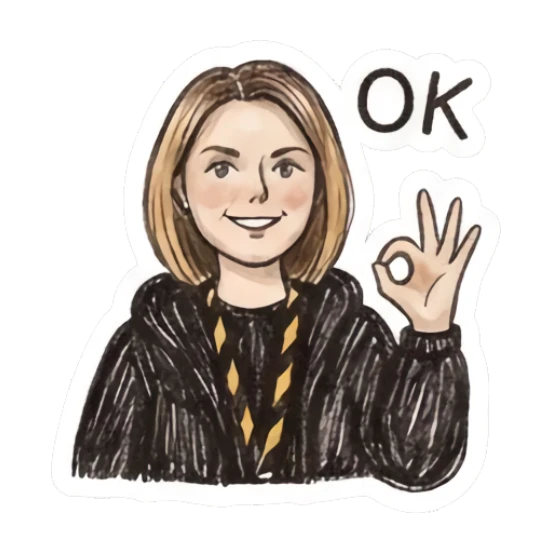
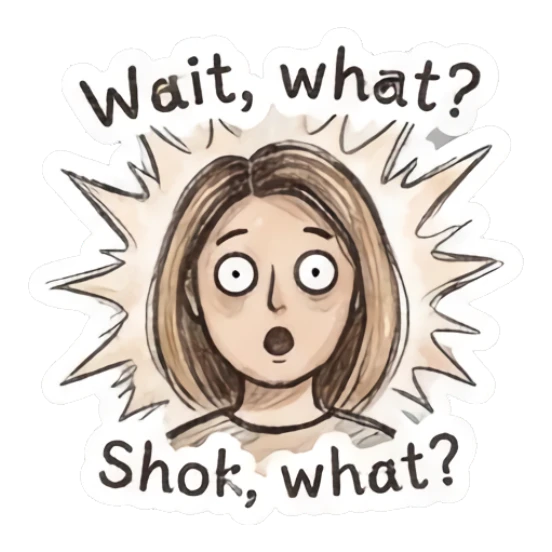
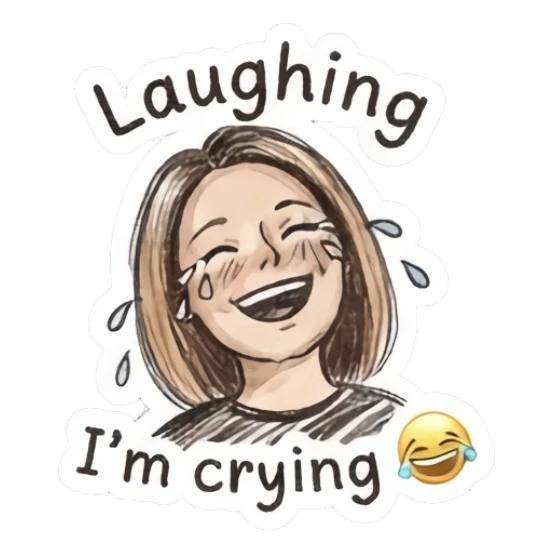

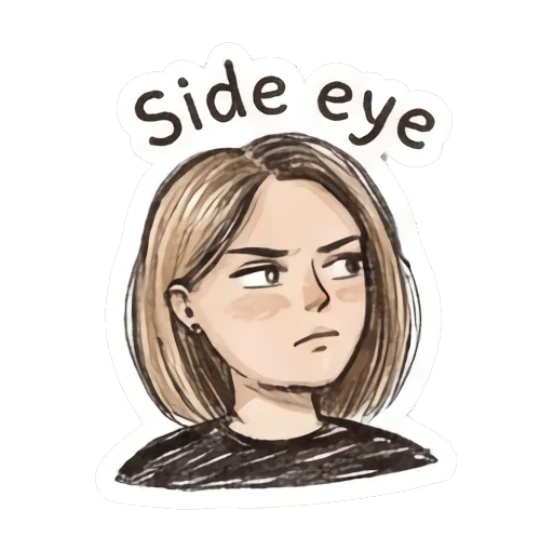
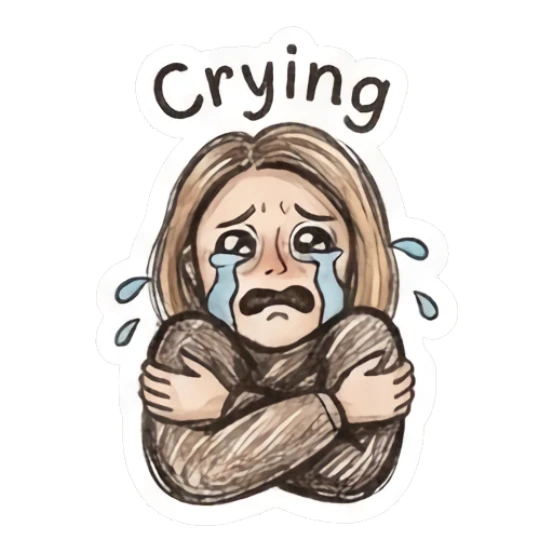
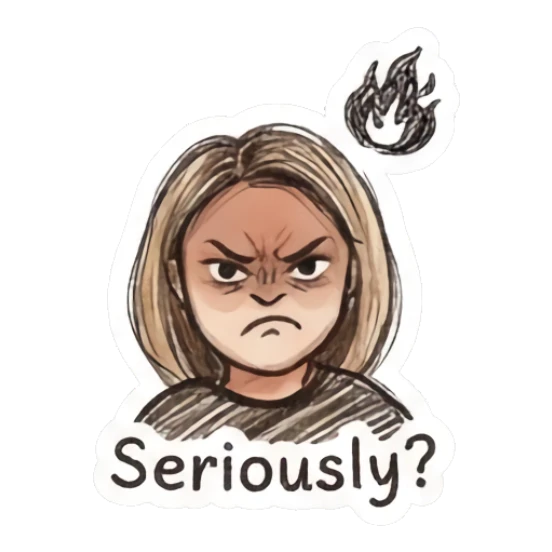

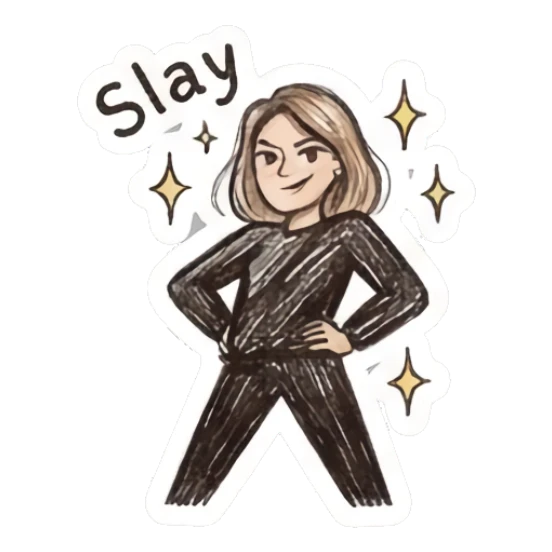

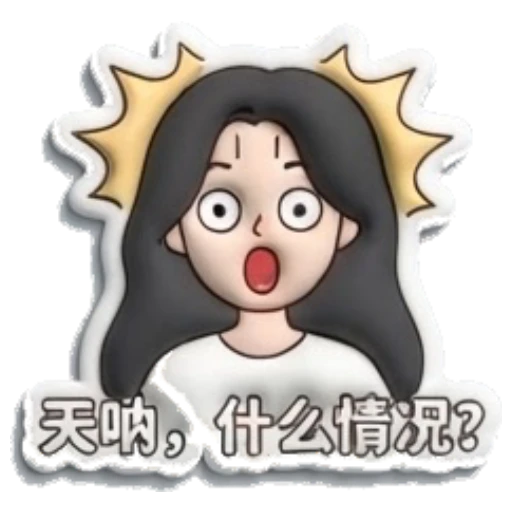
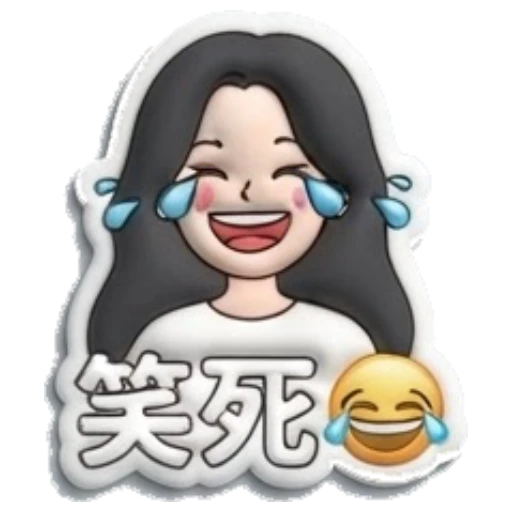

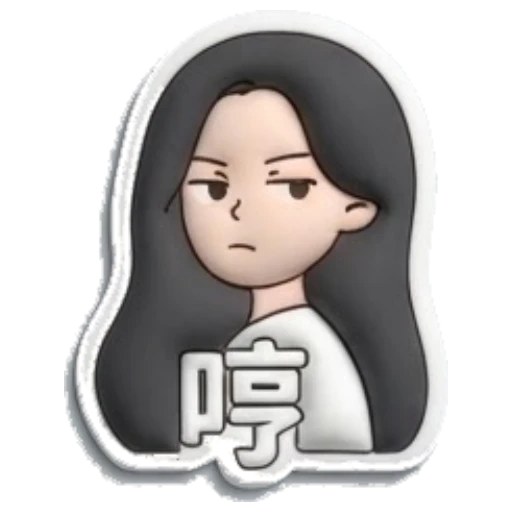
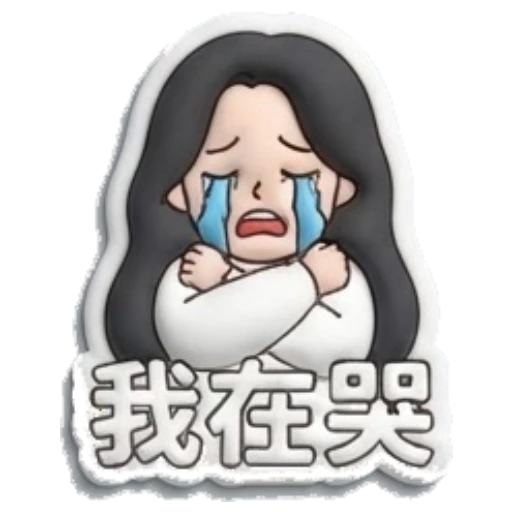
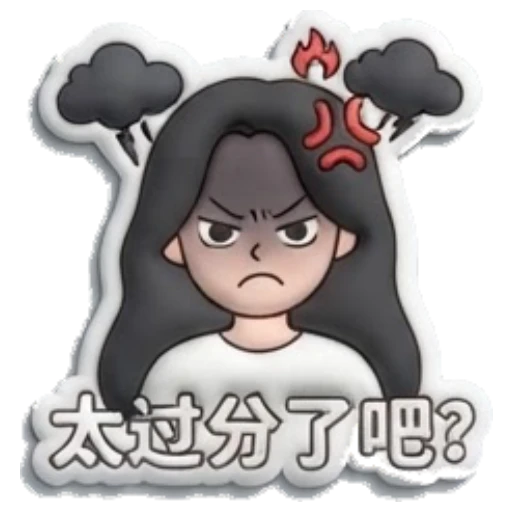
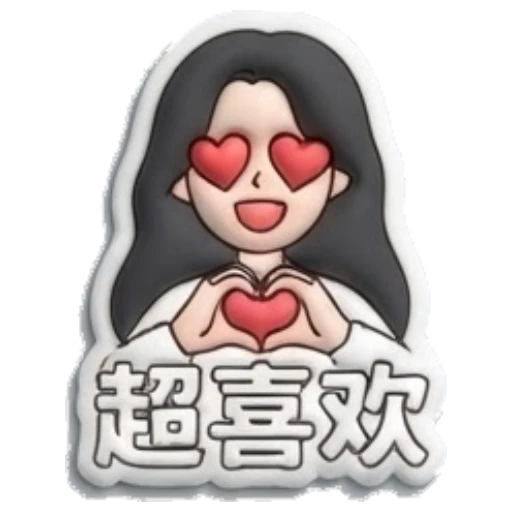

Clear photos with one visible subject and a simple background usually work best for sticker generation.
Yes. Pet photos are a strong source for cute, funny, sleepy, hungry, and excited sticker packs.
Yes. MojiKit is designed to create full sticker packs with multiple reactions from one source idea.
Only use photos you own or have permission to use, especially if you plan to share or publish the stickers.
Scan with your phone or choose your app store to download MojiKit.