Start with useful reactions
Choose emotions you send often: hello, thanks, shocked, love, sad, laughing, angry, confused, and goodnight.
Guide
Good iMessage stickers are expressive, readable, personal, and useful in fast everyday conversations.
Short answer
Discover the best iMessage sticker ideas for iPhone chats and learn how to create custom reaction sticker packs with MojiKit.
Choose emotions you send often: hello, thanks, shocked, love, sad, laughing, angry, confused, and goodnight.
A consistent character makes the pack feel personal and recognizable in iMessage group chats.
Text like OK, Nope, LOL, Wait, Slay, Please, and Thanks reads better than long phrases.
Check that every sticker still looks clear when it appears small in a message thread.
Use MojiKit to create custom iMessage-style sticker packs from your own photo, pet, avatar, mascot, or character.
Details
The strongest iMessage packs usually mix funny reactions, cute replies, emoji-style faces, daily greetings, and personal character stickers.
Custom stickers feel more personal because they can use your own character, pet, avatar, or friend-group style. That makes them more memorable in chats.
Avoid tiny text, cluttered scenes, and stickers that only make sense once. Reusable emotions perform better than one-off jokes.
Avoid
A sticker can look beautiful but still fail in iMessage if the face or caption is hard to read.
OK, thanks, yes, no, and goodnight are not flashy, but they make a sticker pack more useful.
A balanced pack should include humor, affection, confusion, sadness, and simple acknowledgements.
Next searches
Continue from this guide into sticker maker pages, download searches, and related MojiKit topics.
Create expressive AI sticker packs from characters, selfies, pets, mascots, and photos with MojiKit.
Download MojiKit, a sticker maker app for creating AI sticker packs from photos and characters.
Make complete sticker packs from photos, pets, characters, avatars, and mascots with MojiKit.
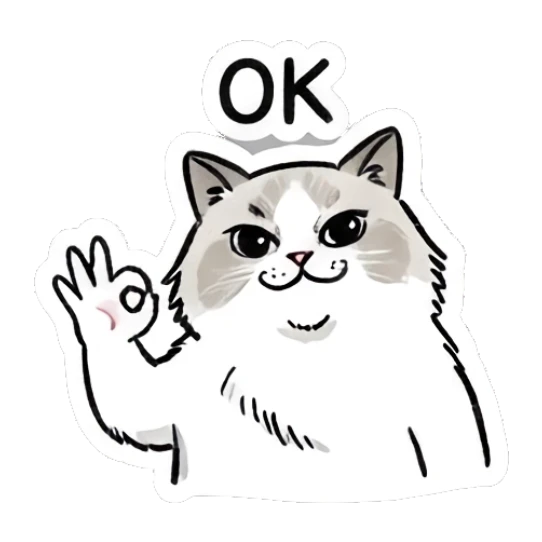



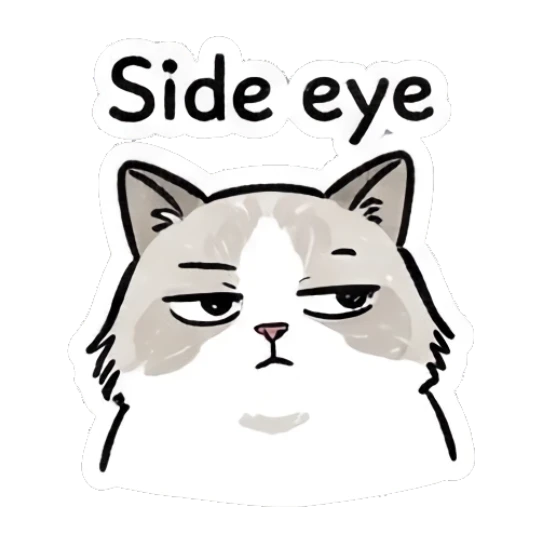


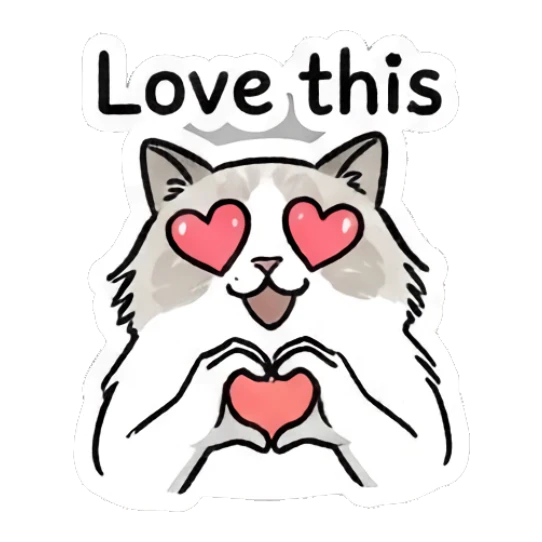
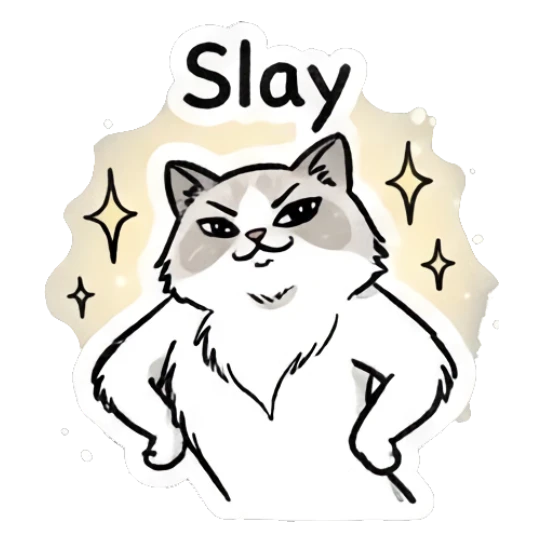




















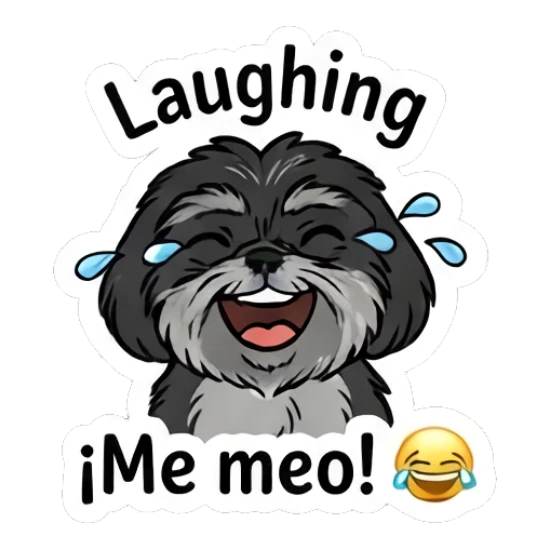

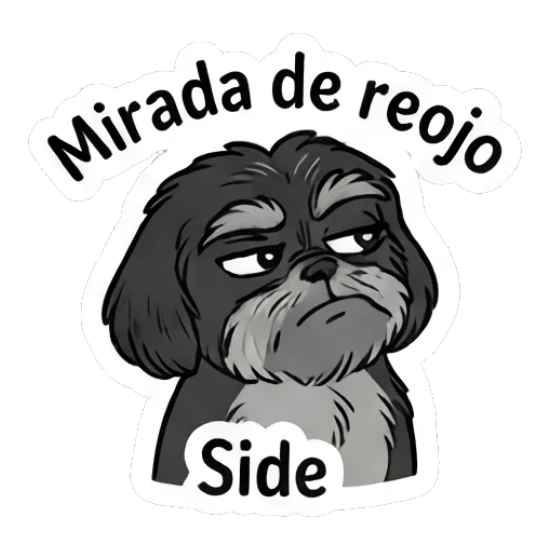






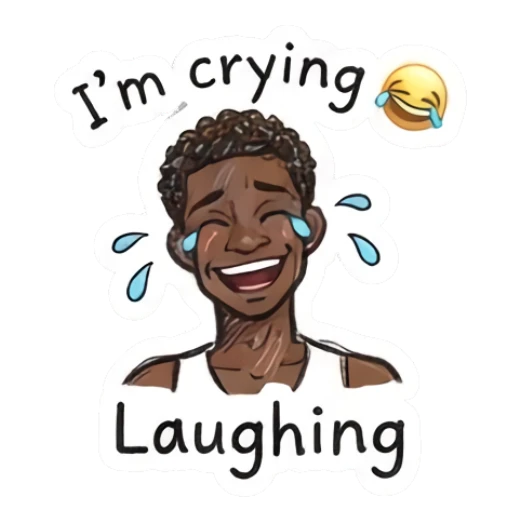

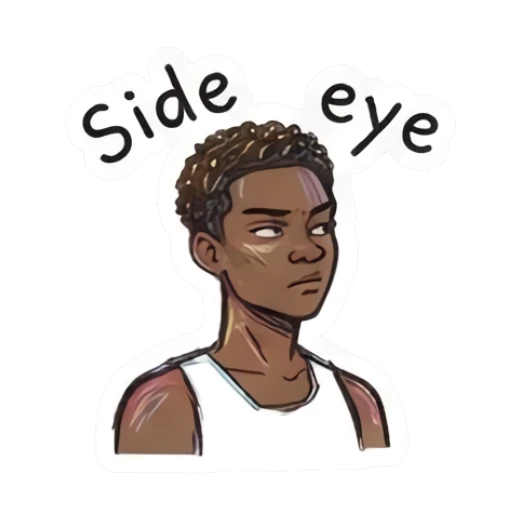

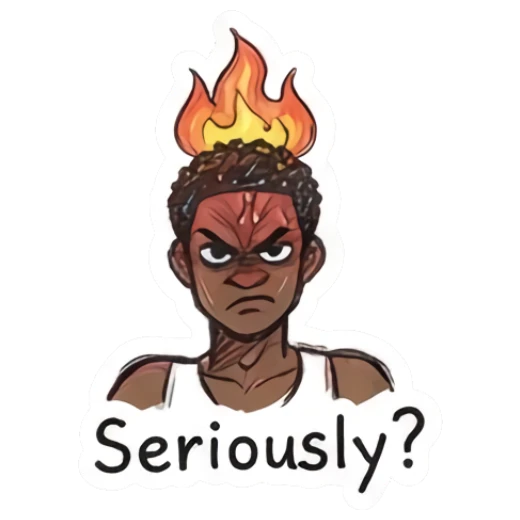
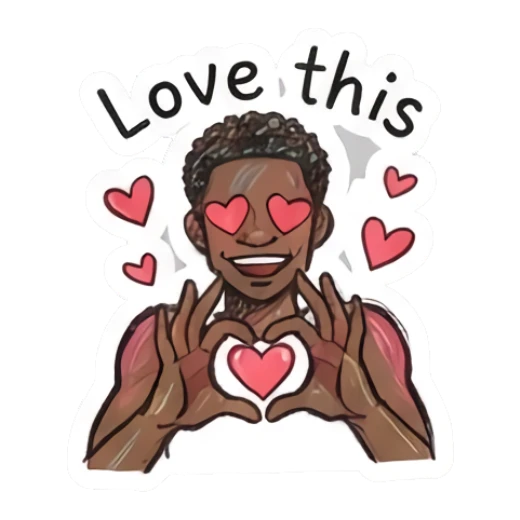
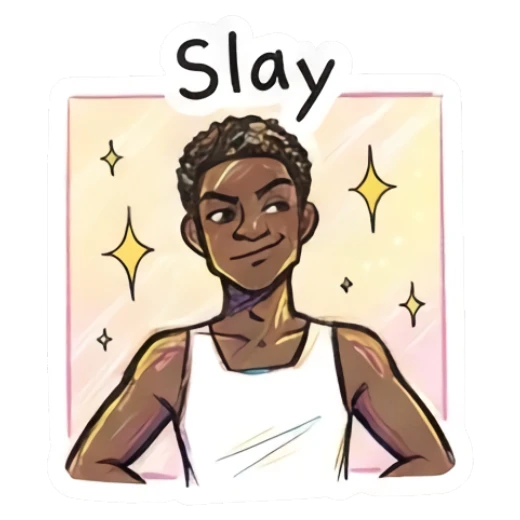
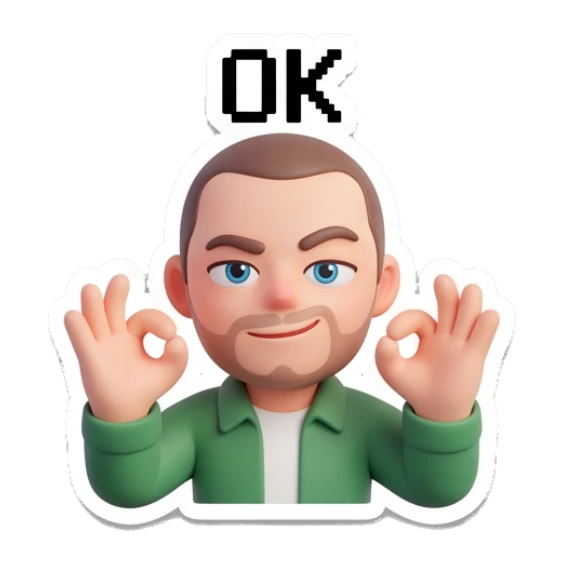



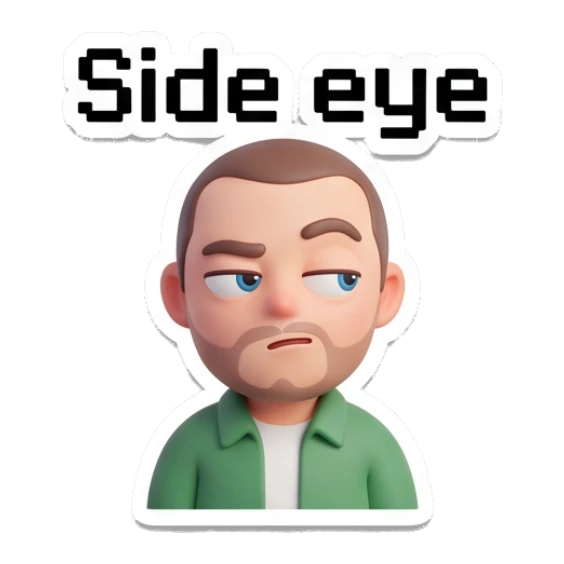




The best stickers are easy to read, emotionally clear, and useful in common replies.
MojiKit helps generate custom sticker packs from photos, characters, pets, and mascots.
Yes, but the best packs combine funny reactions with practical replies like OK, thanks, yes, and no.
Yes. A clear selfie can become a personal sticker pack with multiple reactions in MojiKit.
Scan with your phone or choose your app store to download MojiKit.