Generate a sticker pack
Create stickers from a selfie, pet, avatar, mascot, or original character in MojiKit.
Guide
Create expressive sticker packs and bring them into iPhone chats, photo replies, group conversations, and everyday sharing workflows.
Short answer
Learn how to use stickers on iPhone, create custom sticker packs with MojiKit, and choose reactions that work well in mobile chats.
Create stickers from a selfie, pet, avatar, mascot, or original character in MojiKit.
Choose clear reactions such as hello, thanks, OK, shocked, crying, laughing, love, angry, and confused.
Check the full pack so you know which stickers stay readable on a phone screen.
Open the pack in MojiKit and keep the stickers that feel natural for your chats.
Use your saved stickers in messages, photo replies, social posts, and the apps you already use every day.
Details
Good iPhone stickers are easy to understand quickly. They use large expressions, simple shapes, and short captions that still read clearly on a small screen.
Create custom stickers when generic emoji feels too flat. Selfies, pets, mascots, avatars, and character images can make group chats feel more personal.
A practical iPhone sticker pack should include greetings, reactions, humor, affection, confusion, and dramatic replies. This gives you something useful for most conversations.
Avoid
Small phone screens punish tiny details. Clear silhouettes and strong expressions work better.
Funny stickers are great, but you will use the pack more if it also includes hello, thanks, OK, and goodnight.
Keep the strongest stickers instead of saving everything. A tighter pack is easier to use.
Next searches
Continue from this guide into sticker maker pages, download searches, and related MojiKit topics.
Create expressive AI sticker packs from characters, selfies, pets, mascots, and photos with MojiKit.
Download MojiKit, a sticker maker app for creating AI sticker packs from photos and characters.
Make complete sticker packs from photos, pets, characters, avatars, and mascots with MojiKit.




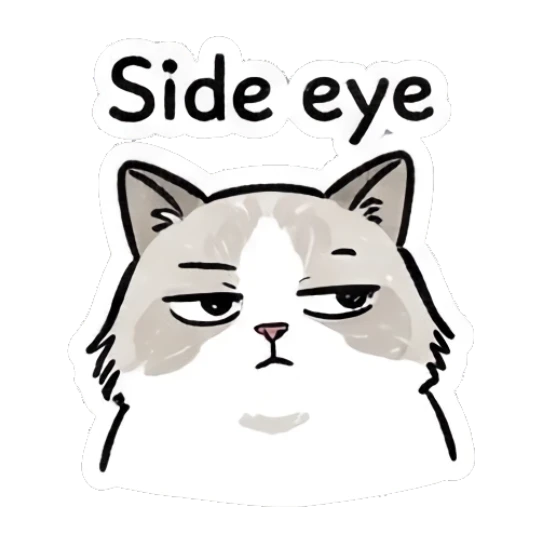


























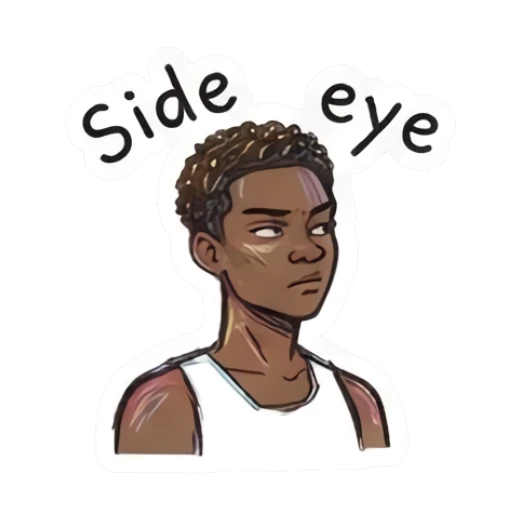






















MojiKit helps create expressive image stickers that are useful in iPhone chat workflows.
Yes. MojiKit can generate funny, cute, emoji, and reaction-style packs.
A good iPhone sticker has a clear expression, simple outline, and short text that remains readable at mobile size.
Yes. Pet photos work well for cute, sleepy, hungry, excited, and confused sticker reactions.
Scan with your phone or choose your app store to download MojiKit.